Showing posts with label for. Show all posts
Showing posts with label for. Show all posts
Monday, February 16, 2015
Exporting CDE dashboard to pdf the usage of PRD for CDE
Hello guys...
Exporting chart components as images to pdf in pentaho CDE - Simple Example
Here is the functionality of exporting CDE chart components to pdf file using PRD.
Environment :
C-Tools : V13.09
Pentaho Server : 4.8
Database : foodmart (jasperserver default database)
Web browser : Mozilla Firefox
NOTE : This post is specific to export chart component(s) to pdf but not the table component you are seeing in the images in this post.
What you can learn from this example ?
1) Make use of button component for exporting dashboard charts to PDF.
2) What is CGG component ? How you can make use of CGG component in exporting charts as images to PDF ?
3) How you can use PRD(.prpt) tool to export the images to PDF.
4) How to pass parameters in the URL when you export the dashboard charts as images in pdf file.
Example :
1) Lay out section
* Design and develop your dashboard as per your requirement.
* Find the image below
 2) Data sources section
(Talking about chart only)
* Give database connections and write a simple query which gives meaning full visualization.
* For example:
SELECT fname,customer_region_id FROM customer LIMIT 6
3) Components section
i) Take button component from others give place holder in layout section as shown in first image
ii) Give:
Name : ExportToPDF
Label: ExportToPDF
HtmlObject: ExportPDF
Expression :
Write below code:
function sendParameter(scene){
var url=http://localhost:8085/pentaho/content/reporting/reportviewer/report.html?solution=CDEExploring&path=%2FDevelopement%2FExporting&name=ExportPDF.prpt&locale=en_US;
window.location=url
}
Code image is shown below.

Well come to know from where we are taking the code above seen in image.
Here PRD(Pentaho Report Designer) comes into picture to export the CDE dashboard charts to pdf or any other format.
Below steps are the work around with CGG(Community Graphics Generator) & PRD
For CGG complete reference find Pedros blog here
From web details http://www.webdetails.pt/ctools/cgg.html
Steps :
1) Preview your dashboard
2) Press shift+G .. you will find pop up of CGG and URL generated for the charts in your dashboard.
i.e., once you click shift+G , pentaho Engine generates .js files related to that particular chart(s).
3) Take that URL and paste in any web browser address bar (Mozilla is preferable).
itll generate the images of that particular .js file(i.e., for that particular URL).
4) Your browser directly doesnt know from where the data is coming.. so you need to provide the user name and password of your pentaho(for instance: if you run pentaho on joe and password for 4.8 BA server you need to give these details)
Example:
http://localhost:8085/pentaho/content/cgg/Draw?script=/CDEExploring/Developement/Exporting/DashboardExport_BarChart.js&outputType=png&userid=joe&password=password
Note that if your chart in the dashboard is using any parameter you need to pass them by adding to the url
Syntax for adding parameters : ¶m_name=parameter_value
Example : ¶m_country=USA
5) Now, open PRD and save the .prpt file
6) Drag and drop image to "Report Header"(Preferable band) and double click on it. Give the same URL for that image, also adjust height ,width of the image. You will find the same image that you seen in web browser here in PRD image component.(If you wont find you missed some where in the development).
7) Now publish the .prpt file to Pentaho BA server.. [the folder which you are keeping your dashboards is preferable to publish your report]
[the same way you publish schema]
8) See the preview of the report.. there you can export generated output to different formats.. lets say pdf, xlx, html and etc.
9) After seeing the preview of the .prpt file, open the same using" Open in New window" which generates the URL for that..
10) Give the same URL in Button component " Export" property which you can find in step 3(Components section).
Thats it.. you have done with exporting chats of dashboard to pdf and other formats..
Find the images below for the same
step 1 & 2 image:

step 3 and 4 image:

Step 5 and 6 image:

Step 7 images:

Step 10 output:

Reference :
http://www.ambientbi.co.uk/?p=357
Hoping that this tutorial is helpful also hoping that there will be direct export functionality in pentaho CDE in upcoming releases from pentaho(Pedro).
Suggestions/Improvement of post are welcome in comments box :)
Exporting chart components as images to pdf in pentaho CDE - Simple Example
Here is the functionality of exporting CDE chart components to pdf file using PRD.
Environment :
C-Tools : V13.09
Pentaho Server : 4.8
Database : foodmart (jasperserver default database)
Web browser : Mozilla Firefox
NOTE : This post is specific to export chart component(s) to pdf but not the table component you are seeing in the images in this post.
What you can learn from this example ?
1) Make use of button component for exporting dashboard charts to PDF.
2) What is CGG component ? How you can make use of CGG component in exporting charts as images to PDF ?
3) How you can use PRD(.prpt) tool to export the images to PDF.
4) How to pass parameters in the URL when you export the dashboard charts as images in pdf file.
Example :
1) Lay out section
* Design and develop your dashboard as per your requirement.
* Find the image below
(Talking about chart only)
* Give database connections and write a simple query which gives meaning full visualization.
* For example:
SELECT fname,customer_region_id FROM customer LIMIT 6
3) Components section
i) Take button component from others give place holder in layout section as shown in first image
ii) Give:
Name : ExportToPDF
Label: ExportToPDF
HtmlObject: ExportPDF
Expression :
Write below code:
function sendParameter(scene){
var url=http://localhost:8085/pentaho/content/reporting/reportviewer/report.html?solution=CDEExploring&path=%2FDevelopement%2FExporting&name=ExportPDF.prpt&locale=en_US;
window.location=url
}
Code image is shown below.
Well come to know from where we are taking the code above seen in image.
Here PRD(Pentaho Report Designer) comes into picture to export the CDE dashboard charts to pdf or any other format.
Below steps are the work around with CGG(Community Graphics Generator) & PRD
For CGG complete reference find Pedros blog here
From web details http://www.webdetails.pt/ctools/cgg.html
Steps :
1) Preview your dashboard
2) Press shift+G .. you will find pop up of CGG and URL generated for the charts in your dashboard.
i.e., once you click shift+G , pentaho Engine generates .js files related to that particular chart(s).
3) Take that URL and paste in any web browser address bar (Mozilla is preferable).
itll generate the images of that particular .js file(i.e., for that particular URL).
4) Your browser directly doesnt know from where the data is coming.. so you need to provide the user name and password of your pentaho(for instance: if you run pentaho on joe and password for 4.8 BA server you need to give these details)
Example:
http://localhost:8085/pentaho/content/cgg/Draw?script=/CDEExploring/Developement/Exporting/DashboardExport_BarChart.js&outputType=png&userid=joe&password=password
Note that if your chart in the dashboard is using any parameter you need to pass them by adding to the url
Syntax for adding parameters : ¶m_name=parameter_value
Example : ¶m_country=USA
5) Now, open PRD and save the .prpt file
6) Drag and drop image to "Report Header"(Preferable band) and double click on it. Give the same URL for that image, also adjust height ,width of the image. You will find the same image that you seen in web browser here in PRD image component.(If you wont find you missed some where in the development).
7) Now publish the .prpt file to Pentaho BA server.. [the folder which you are keeping your dashboards is preferable to publish your report]
[the same way you publish schema]
8) See the preview of the report.. there you can export generated output to different formats.. lets say pdf, xlx, html and etc.
9) After seeing the preview of the .prpt file, open the same using" Open in New window" which generates the URL for that..
10) Give the same URL in Button component " Export" property which you can find in step 3(Components section).
Thats it.. you have done with exporting chats of dashboard to pdf and other formats..
Find the images below for the same
step 1 & 2 image:
step 3 and 4 image:
Step 5 and 6 image:
Step 7 images:
Step 10 output:
Reference :
http://www.ambientbi.co.uk/?p=357
Hoping that this tutorial is helpful also hoping that there will be direct export functionality in pentaho CDE in upcoming releases from pentaho(Pedro).
Suggestions/Improvement of post are welcome in comments box :)

Sunday, February 15, 2015
How to do Unlimited Video and Voice Calls on Mobile for Free

Is your increasing phone and sms bill is giving you tension, than don’t be scared. There are so many communication services available on internet which allows you to do unlimited call on mobile for free. In this post I am telling you about some of these services which will help you to get rid of your increasing phone bill. For this you will only need 3G or Wi-Fi data.
Also Read: Top 5 Cheapest Android Tablets below Rs. 5000 in India in 2013
For video calling
FaceTime
http://www.apple.com/in/mac/facetime/
This is a free video calling app of Apple, which works on Wi-Fi. This works very well with second and third generation iPad, iPhone and mac. It is very easy to use.
Tinychat
tinychat.com
It is a browser based chat service. In this you can create a room for chat, for this you have to just do signup. In this room you can invite your friends as a guest. Your friends can chat with you without doing signup process.
For video and voice calling
Nimbuzz
nimbuzz.com
This application works very nicely on smartphones as well as on feature loaded phones. It contains desktop client for windows and mac. To do free chat you have to do free signup in nimbuzz account, after this you can add people to your contacts. You can do free voice calls with the help of 3G or Wi-Fi. It also allows you to do chat with your friends on google talk, yahoo chat, msn and facebook account.
Oovoo
oovoo.com
It provides you video calling services in twelve different ways on your computer or mobile. Its main feature is that it allows you to send files and record your calls.
Also Read: The 12 Best Tools To Protect Your Password
Also Read: The 12 Best Tools To Protect Your Password
Rocketalk
rocketalk.com
You can’t do video chat with the help of this ,but it allows you to send photos, videos and text messages. It is freely available on the internet for all android and java feature loaded phones.
Skype
skype.com
It work on android, IOS, windows and symbian phones. If you have 3G or Wi-Fi than with the help of skype you can do free call to any skype mobile user.
Fring
fring.com
With fring you can do free voice calls, video calls and instant messaging on 3G or Wi-Fi. It provides free four ways group video chat service. It is available for IOS, android and symbian phones.
Viber
viber.com
It is available for android, IOS, windows and blackberry phones. You can do free unlimited call and send messages to a person who have viber installed handset. This works on 3G and Wi-Fi, for this you have to only pay for data.
HowTo fix linux cp always ask for overwrite
Do you want to remove the overwrite feature of cp? use the command below when coping files.
cp -Rf filetocopy.txt destination.txt
** simply add a slash at the front of the cp command because cp is aliased by default to cp -i **
Read more »
cp -Rf filetocopy.txt destination.txt
** simply add a slash at the front of the cp command because cp is aliased by default to cp -i **
Saturday, February 14, 2015
Pepsi man direct play game for PC full version

Pepsiman is a game that is very hard to describe.You take control of Pepsiman and collect Pepsi cans while running through hazardous levels dodging obstacles all the way. The game is somewhat rare and hard to find, so consider yourself lucky if you have it.
Gameplay (8/10)
A lot of people are probably asking themselves Who is Pepsiman?. Well, if you dont know who Pepsiman is then why are you reading this? Pepsiman is the spokesman for Pepsi in Japan. You also may remember his cameo in Fighting Vipers for Sega Saturn. Too bad they removed him from the U.S. version. He has starred in many commercials, so why not his own game? The difficulty in this game is average. It shouldnt take too long to beat. The objective is to collect Pepsi cans on the way to the end of the level. You are racing against the clock so be careful not to get hit by a car. There are many obstacles stopping you from getting to your goal. Like cars, people, boxes and many more. There are a total of 4 stages with 3 levels each. Which makes 12 levels in all. Doesnt sound like much does it? You have to remember this game was released in Japan for a somewhat cheap price. The first 2 levels in each stage are played from a 3rd person perspective.
It automatically runs forward for you all you have to do is move Pepsiman left and right and jump over or slide under obstacles. The 3rd level in each stage is played out like the scene in Indiana Jones where that boulder is chasing after him. In these levels Pepsiman is running towards you. The main goal is to collect 100 pepsi cans that are scattered throughout the level. It is not an easy task. While you dont have to get all 100 to beat the game it will be over way too quick if you dont. Read more
System requirements:
No special requirements
Screen Shots: Click on the image to view large
 |  |  |
How to Download
 File Size: 10 MB
Pepsi man for PC: Download
I hope you like it....!
C Program for Implementation of Circular Queue Using Array
#include<stdio.h>
#define MAX 10
typedef struct Q
{
int R,F;
int data[MAX];
}Q;
void initialise(Q *P);
int empty(Q *P);
int full(Q *P);
void enqueue(Q *P,int x);
int dequeue(Q *P);
void print(Q *P);
void main()
{
Q q;
int op,x;
initialise(&q);
do
{
printf("
1)Insert
2)Delete
3)Print
4)Quit");
printf("
Enter Your Choice:");
scanf("%d",&op);
switch(op)
{
case 1: printf("
Enter a value:");
scanf("%d",&x);
if(!full(&q))
enqueue(&q,x);
else
printf("
Queue is full !!!!");
break;
case 2: if(!empty(&q))
{
x=dequeue(&q);
printf("Deleted Data=%d",x);
}
else
printf("
Queue is empty !!!!");
break;
case 3: print(&q);break;
}
}while(op!=4);
}
void initialise(Q *P)
{
P->R=-1;
P->F=-1;
}
int empty(Q *P)
{
if(P->R==-1)
return(1);
return(0);
}
int full(Q *P)
{
if((P->R+1)%MAX==P->F)
return(1);
return(0);
}
void enqueue(Q *P,int x)
{
if(P->R==-1)
{
P->R=P->F=0;
P->data[P->R]=x;
}
else
{
P->R=(P->R+1)%MAX;
P->data[P->R]=x;
}
}
int dequeue(Q *P)
{
int x;
x=P->data[P->F];
if(P->R==P->F)
{
P->R=-1;
P->F=-1;
}
else
P->F=(P->F+1)%MAX;
return(x);
}
void print(Q *P)
{
int i;
if(!empty(P))
{
printf("
");
for(i=P->F;i!=P->R;i=(i+1)%MAX)
printf("%d ",P->data[i]);
printf("%d ",P->data[i]);
}
}

#define MAX 10
typedef struct Q
{
int R,F;
int data[MAX];
}Q;
void initialise(Q *P);
int empty(Q *P);
int full(Q *P);
void enqueue(Q *P,int x);
int dequeue(Q *P);
void print(Q *P);
void main()
{
Q q;
int op,x;
initialise(&q);
do
{
printf("
1)Insert
2)Delete
3)Print
4)Quit");
printf("
Enter Your Choice:");
scanf("%d",&op);
switch(op)
{
case 1: printf("
Enter a value:");
scanf("%d",&x);
if(!full(&q))
enqueue(&q,x);
else
printf("
Queue is full !!!!");
break;
case 2: if(!empty(&q))
{
x=dequeue(&q);
printf("Deleted Data=%d",x);
}
else
printf("
Queue is empty !!!!");
break;
case 3: print(&q);break;
}
}while(op!=4);
}
void initialise(Q *P)
{
P->R=-1;
P->F=-1;
}
int empty(Q *P)
{
if(P->R==-1)
return(1);
return(0);
}
int full(Q *P)
{
if((P->R+1)%MAX==P->F)
return(1);
return(0);
}
void enqueue(Q *P,int x)
{
if(P->R==-1)
{
P->R=P->F=0;
P->data[P->R]=x;
}
else
{
P->R=(P->R+1)%MAX;
P->data[P->R]=x;
}
}
int dequeue(Q *P)
{
int x;
x=P->data[P->F];
if(P->R==P->F)
{
P->R=-1;
P->F=-1;
}
else
P->F=(P->F+1)%MAX;
return(x);
}
void print(Q *P)
{
int i;
if(!empty(P))
{
printf("
");
for(i=P->F;i!=P->R;i=(i+1)%MAX)
printf("%d ",P->data[i]);
printf("%d ",P->data[i]);
}
}
Whatsapp for Java Phones How to Download and Install
Whatsapp for java phones is like a dream for java mobile users. I found a solution for this and in this article I am going to tell you how to download and install whatsapp for java phones.
WhatsApp is an app used to send free sms to your friend who is also using the app via internet. WhatsApp is available for various platforms like android, windows, symbian and some s40 phones. One who have a smartphone can esily use Whatsapp.
WhatsApp is an app used to send free sms to your friend who is also using the app via internet. WhatsApp is available for various platforms like android, windows, symbian and some s40 phones. One who have a smartphone can esily use Whatsapp.

Also Read: How to Install WhatsApp on PC
In this article I am going to tell you how to download and install whatsapp for java phones. Below, I am sharing a link to download WhatsApp for Java Phones which will run in almost all java mobile phones with big screen (having at least 240x320 screen size, can’t say anything about other screens). It is 100% working and tested by me on some nokia phones like Asha 200, C2-03, etc. So without wasting time just click on below link to download WhatsApp for java phone and comment below to let me know if it is working in your phone or not.
Steps to Download and Install Whatsapp for Java Phones
1. Download both the files (WhatsApp_Messenger.jar and WhatsApp_Messenger.jad) from the link given below in your PC (not in mobile)WhatsApp_Messenger.jar
WhatsApp_Messenger.jad
3. You have done! Now try to run whatsapp from your mobile and enjoy using it.
Note: Downloading must be done in computer. If you download files from mobile then the file format does not support.
Search Terms:
whatsapp for java phonewhatsapp para java
download whatsapp for java jar
download whatsapp for samsung java
whatsapp java download
whatsapp for java mobile phone
whatsapp java download
whatsapp for java mobile phone
Toggle between two Divs for Pentaho CDE Charts
This post will cover the toggling among the charts.
i.e., Share one place holder for multiple charts by providing a link or a button.
Example developed on :
C-Tools of 14.07.29, foodmart of postgresql, pentaho 5.0.1 CE stable.
Step 1 : Layout section.
1) Save the dashboard in bootstrap mode.
2) Row ->Column->Html
In Html write below code :
<p><a href="#" id="link">Show B</a></p>
<div id="a"></div>
<div id="b"></div>
<script type="text/javascript">
var $divA = $(#a),
$divB = $(#b),
$link = $(#link);
// Initialize everything
$link.text( Pie );
$divA.hide();
$link.click(function(){
// If A is visible when the link is clicked
// you need to hide A and show B
if( $divA.is( :visible ) ){
$link.text( Pie );
$divA.hide();
$divB.show();
} else {
$link.text( Bar );
$divA.show();
$divB.hide();
}
return false;
});
</script>
Step 2: Data Sources section
1) Give all the connection details.
Name : query1
URL : jdbc:postgresql://localhost:5432/foodmart
Driver : org.postgresql.Driver
Username/Password : postgres/postgres
Query :
SELECT * FROM
(
SELECT
DISTINCT brand_name AS "Brand Name",
SUM(unit_sales) AS "Sales"
FROM product p
INNER JOIN sales_fact_1997 sf7
ON p.product_id=sf7.product_id
INNER JOIN time_by_day t
ON sf7.time_id=t.time_id
WHERE
(
to_char(t.the_date,YYYY-MM-DD)>=2012-01-01
AND
to_char(t.the_date,YYYY-MM-DD)<=2012-01-07
)
GROUP BY "Brand Name"
ORDER BY SUM(unit_sales) DESC
limit 5
)table1
Step 3 : Components section
1) Take pie chart & bar chart.
2) Set all the properties like name, htmlObject (for pie take "a" as htmlObject and for bar chart "b" as htmlObject).
3) Save your dashboard and see the preview.
Sample output:
Image 1 : Pie Chart.

Image 2 : Perform click action on Pie you will get bar chart in place of pie chart that means you are toggling b/w two chart (i.e., Single place holder is sharing by two charts and the logic of two divs applied for CDE charts).

Download example here : Click Me
References :
1) http://jsfiddle.net/QAxgD/
2) http://stackoverflow.com/questions/18110320/toggle-between-two-divs
3) http://forums.pentaho.com/showthread.php?170449-How-To-Toaggle-Between-Chart-amp-Grid
i.e., Share one place holder for multiple charts by providing a link or a button.
Example developed on :
C-Tools of 14.07.29, foodmart of postgresql, pentaho 5.0.1 CE stable.
Step 1 : Layout section.
1) Save the dashboard in bootstrap mode.
2) Row ->Column->Html
In Html write below code :
<p><a href="#" id="link">Show B</a></p>
<div id="a"></div>
<div id="b"></div>
<script type="text/javascript">
var $divA = $(#a),
$divB = $(#b),
$link = $(#link);
// Initialize everything
$link.text( Pie );
$divA.hide();
$link.click(function(){
// If A is visible when the link is clicked
// you need to hide A and show B
if( $divA.is( :visible ) ){
$link.text( Pie );
$divA.hide();
$divB.show();
} else {
$link.text( Bar );
$divA.show();
$divB.hide();
}
return false;
});
</script>
Step 2: Data Sources section
1) Give all the connection details.
Name : query1
URL : jdbc:postgresql://localhost:5432/foodmart
Driver : org.postgresql.Driver
Username/Password : postgres/postgres
Query :
SELECT * FROM
(
SELECT
DISTINCT brand_name AS "Brand Name",
SUM(unit_sales) AS "Sales"
FROM product p
INNER JOIN sales_fact_1997 sf7
ON p.product_id=sf7.product_id
INNER JOIN time_by_day t
ON sf7.time_id=t.time_id
WHERE
(
to_char(t.the_date,YYYY-MM-DD)>=2012-01-01
AND
to_char(t.the_date,YYYY-MM-DD)<=2012-01-07
)
GROUP BY "Brand Name"
ORDER BY SUM(unit_sales) DESC
limit 5
)table1
Step 3 : Components section
1) Take pie chart & bar chart.
2) Set all the properties like name, htmlObject (for pie take "a" as htmlObject and for bar chart "b" as htmlObject).
3) Save your dashboard and see the preview.
Sample output:
Image 1 : Pie Chart.
Image 2 : Perform click action on Pie you will get bar chart in place of pie chart that means you are toggling b/w two chart (i.e., Single place holder is sharing by two charts and the logic of two divs applied for CDE charts).
Download example here : Click Me
References :
1) http://jsfiddle.net/QAxgD/
2) http://stackoverflow.com/questions/18110320/toggle-between-two-divs
3) http://forums.pentaho.com/showthread.php?170449-How-To-Toaggle-Between-Chart-amp-Grid
Friday, February 13, 2015
4 Best Tips For iOS Application Development
There is no question of the popularity of iOS platform. In the Smartphone world, the iOS platform is the most admired mobile OS. However, it is ranked as the second best platform if their market shares are considered (as, Android possesses over 85% share whereas iOS exhibits around 12% market share). But, no one can deny the fact that the iOS apps generates much greater revenue than the Android applications. Thus, developing an iOS application will definitely benefit your business.
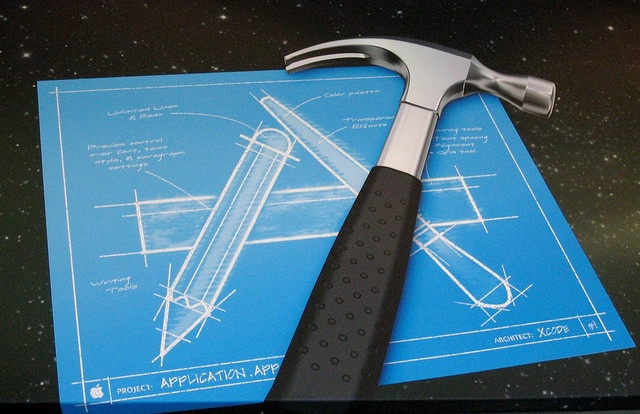
If you are interested in trying your hand in the iOS app development, there are a few tools and things that must be known beforehand to accomplish the task in an ideal way. There is no dearth of iOS applications in the Apple App Store, to make your app stand out of the crowd, its better to refer some expert guidance and assistance. Here are certain tips and tricks that can help you stay ahead of the curve.
Also Read: Wearable Tech - Wearable Application Development Technology
For efficiently promoting an application
Author Bio
Rick Brown is an app programmer for Mobiers Ltd – a leading iOS App Development Company. In case, you are willing to avail some related information and want to explore more about the technology, feel free to contact him.
If you are interested in trying your hand in the iOS app development, there are a few tools and things that must be known beforehand to accomplish the task in an ideal way. There is no dearth of iOS applications in the Apple App Store, to make your app stand out of the crowd, its better to refer some expert guidance and assistance. Here are certain tips and tricks that can help you stay ahead of the curve.
Also Read: Wearable Tech - Wearable Application Development Technology
Tips For iOS Application Development
1. Quite Basic but highly essential requirement: Mac and Xcode
To begin the iOS app development, a Mac device is a must and preferably it should be OS X 10.8 or a higher version, since, it can ensure a smooth and proficient development process. Another basic requirement is the Xcode, an Apple IDE (Integrated Development Environment) that offers an ideal app development framework. It is recommended to install the latest version of Xcode and develop your iOS application with greater precision with the included prolific tools.2. App Approval From The App Store Is Not The Ultimate Victory
Although, registering a developers account and getting your developed app approved from the Apple App Store is an imperative step, but it is just half the battle. By just getting the approval, your app will not get noticed and generate money. For that, you will need to promote your app with ideal marketing strategies.For efficiently promoting an application
- First of all, streamline your target audience by keeping the prime goal of your application in mind. This will help you make strives for surefire results.
- To ensure that your app gets some initial momentum upon its release in the App Store, it is essential to optimize your app for better marketing. The iTunes basically acts as a search engine, and thus can crawl the keyword-rich app content and index them with ease.
- Create an online presence of your application to efficiently promote it. Although, the App store facilitates a page to showcase the captivating attributes of your app, but you cant rely only on that . You either create a blog or website to support your application. There you can flaunt all the intriguing features and amazing capabilities of your application.
- You can even hire some experts to promote your app over different channels to attract potential customers.
- Analytics can help you determine your user behavior, so that you can make strives in the correct direction and improve your app.
- Consider your customer feedback. Whether its a positive feedback or negative, accept it. And, try to amend the best possible solution to further improve your app.
- Generate as much buzz as you can and gather the attention of journalists bloggers worldwide. This will encourage them to write about your app and thus, will help efficiently promote your app. And, this can definitely do wonders on the launch day of your app.
Also Read: IOS vs Android - Difference and Comparison [Infographic]
3. Stay Calm And Be Patient
Developing an iOS application is not a childs play. It could take a few days or a few months, depending upon how complex your application is. From the moment you get some innovative application idea in your head to the moment it gets approved could take a lot of time. In fact, once you submit your app for approval, it is not essential that it will immediately get published. The process could consume a substantial time, thus, it is better to stay patient and watch out the results.4. Other Essential Key Points For Your Consideration
- Plan well while equally balancing both the design and development strategies.
- Keep the targeted audience in mind while developing an application. This way you will be able to develop something useful that can best cater to the needs of your potential customers.
- Dont wait for application development to be completed, you can start promoting your application alongside the development process. This way you can create a good market base for your application.
- Most importantly, dont forget that you are targeting the touch-screen devices. Think of the app functions and features while keeping that in mind.
Final Thought
The aforementioned useful tips and facts can help you ensure a great iOS application development with an optimal approach. Go through these tips and prepare yourself for the forthcoming challenges that you might face during the development process. Create a remarkable application and promote it globally to enhance your business values and generate greater ROI.Author Bio
Rick Brown is an app programmer for Mobiers Ltd – a leading iOS App Development Company. In case, you are willing to avail some related information and want to explore more about the technology, feel free to contact him.
Thursday, February 12, 2015
KMSpico v9 0 5 20131110 RC Offline Activator for Windows and Office

KMSpico - is the ideal tool to activate the final version of Windows 7/8 and Office 2010/2013. Activator does not require user intervention, the entire activation process takes place in the background, just run the activator and a couple of minutes to check the activation status of Windows and/or Office.
Features:
Universal (Activates Windows Vista/7/8 Pro/(8.1 Preview)/Enterprise/N/VL and Office 2010/2013 Retail/VL.)
• Does not require user intervention (enough to run the activator).
• Simultaneous activation immediately and Windows, and Office.
KMSpico Can do:
1. Acivate Windows 8.1 ( Review )
2. Acivate Windows 8 ( any edition)
3. Acivate Widows 7 ( Any Edition )
4. Acivate Windows Vista ( Any Edition )
PC Requirements:
Requirements: .NET 4.0 or Windows 8.
Activates Windows Vista/7/8 and Office 2010/2013.
Windows Server 2008/2008R2/2012
How to use:
1. Install KMSpico v8.9 in Windows.
2. Run automatically KMSELDI and AutoPico.
2.1 Make Tokens Backup.
2.2 Detect VL or Retail and depending of the License Status activate or convert to VL.
2.3 Activate for 180 days all VL products found.
3. Install a windows service that reactive every windows start.
4. Create a task schedule for AutoPico to run every 24 hours.
Change Log:
- Fixed know bugs.
- Improve retail key finder in W8.1
For Windows 8.1 RTM It contains :
- Retail key finder over internet only windows keys.
- Check for valid keys for the local installation.
- Install the first key and show the Installation ID for later phone activation.
- Create a validKeys.txt file with the valid keys found in internet.
Download
KMSpico v9.0.5.20131110 RC: Link 1 ; Link 2
How to Download

O hope you like it.........!
Wednesday, February 11, 2015
70 Free PSD iPhone Mockup For Designers
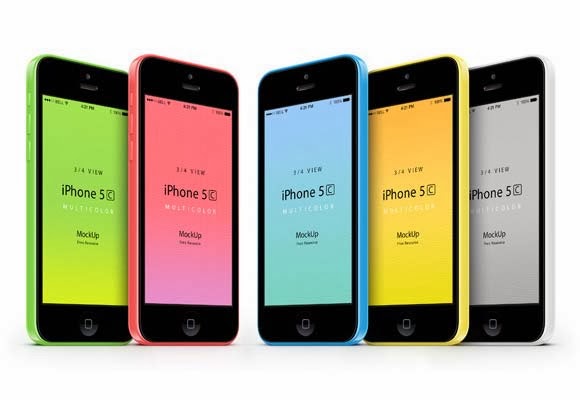
Mobile application industry is growing day by day and it has become a huge market for design industry. iPhone is a very popular smartphone among the people. It has many interested apps and features which attracts people to use it.
Anyway,so you designed an application for iPhone and you want to showcase your iOS app design in a realistic form. Many web designers use mockups so they can show their app designs in realistic way.
Today we are sharing an 70 amazing collection of iPhone mockup templates for designers. You can use it to present your UI design in a better way.
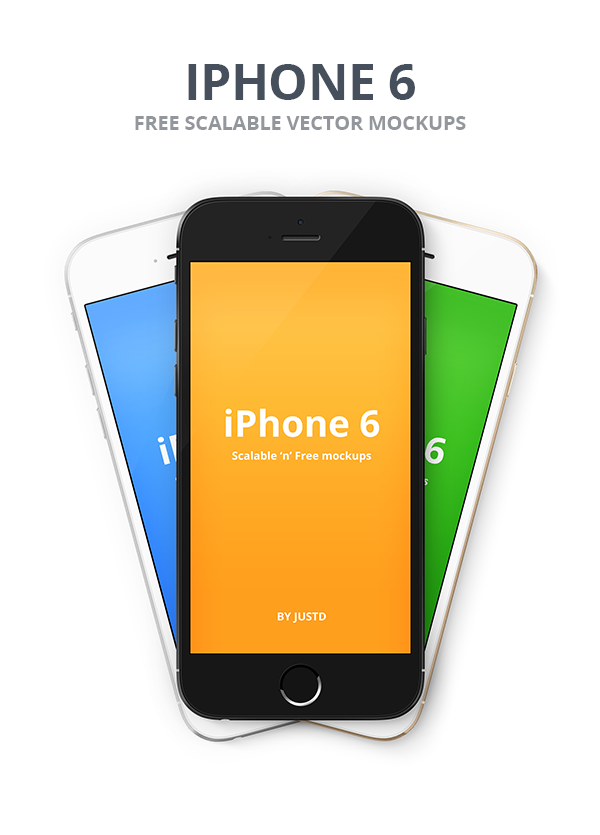
1- IPhone 6 Vector PSD Mockups
2- Flat iPhone 5S Mockup PSD
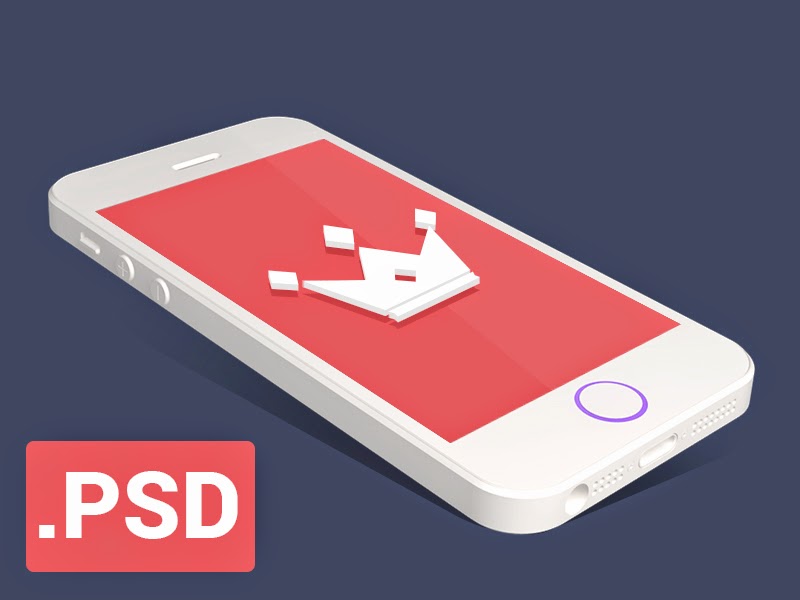
3- Free PSD IPhone 6 Mockup
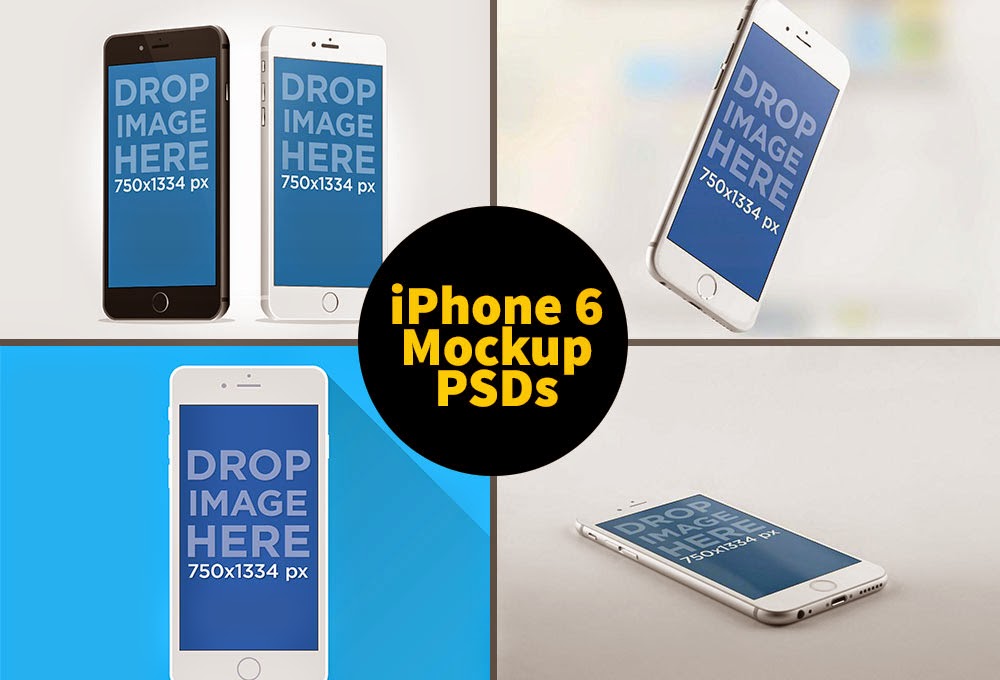
4- Apple iPhone 6 Mockup
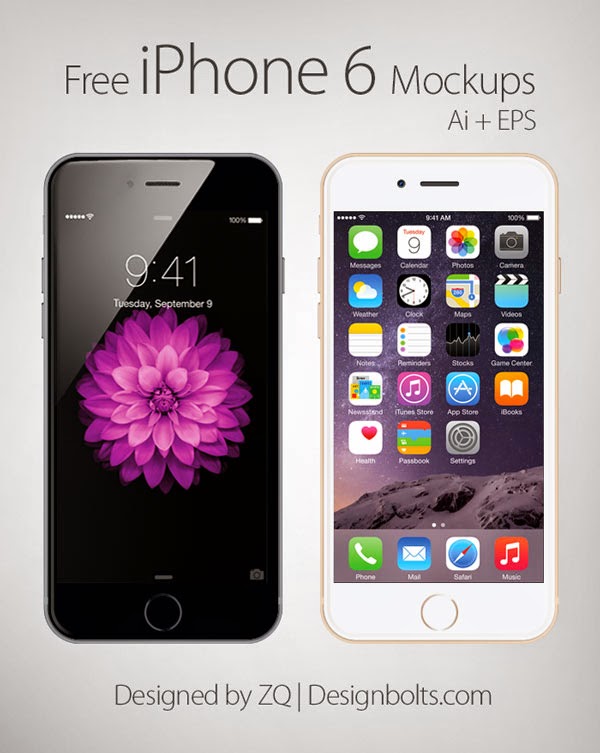
5- IPhone 6 Mockups PSD

6- Iphone 6 Photorealistic Mockups PSD

7- 10 IPhone 5 PSD Mockup Templates
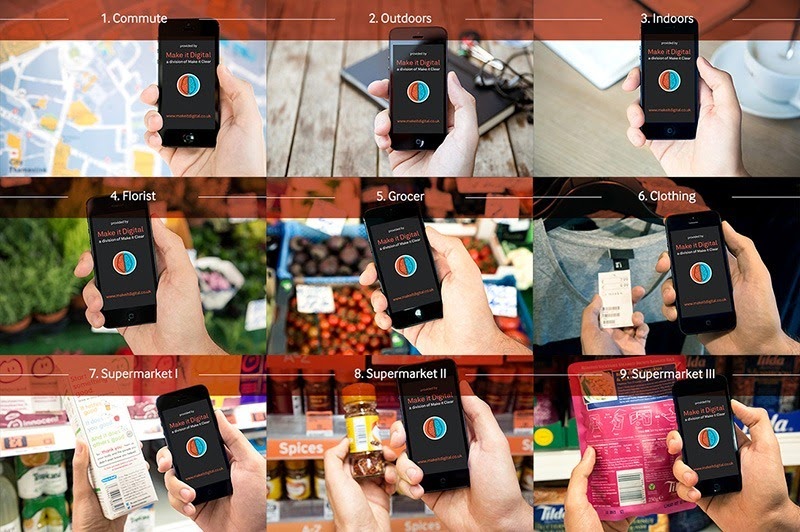
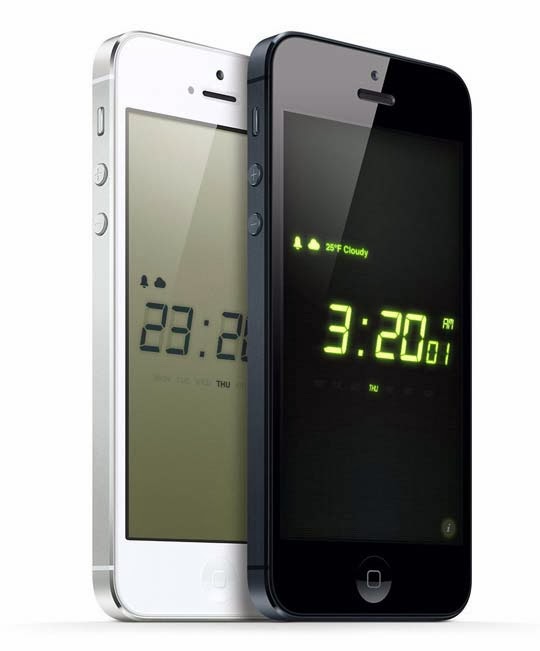
8- Night Stand HD 2 on iPhone 5
-.jpg "Night Stand HD 2 on iPhone 5")
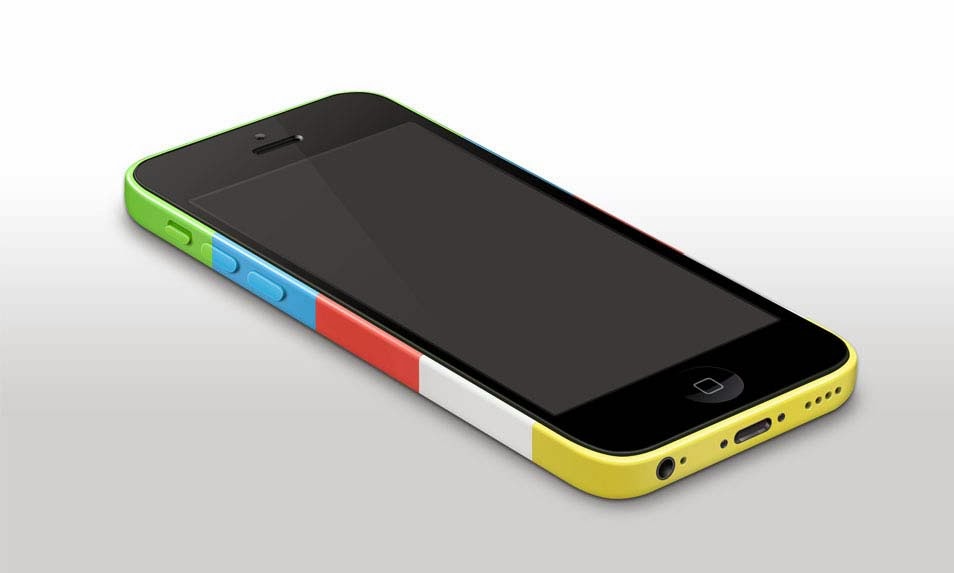
9- iPhone 5c Template
.jpg "iPhone 5c Template")
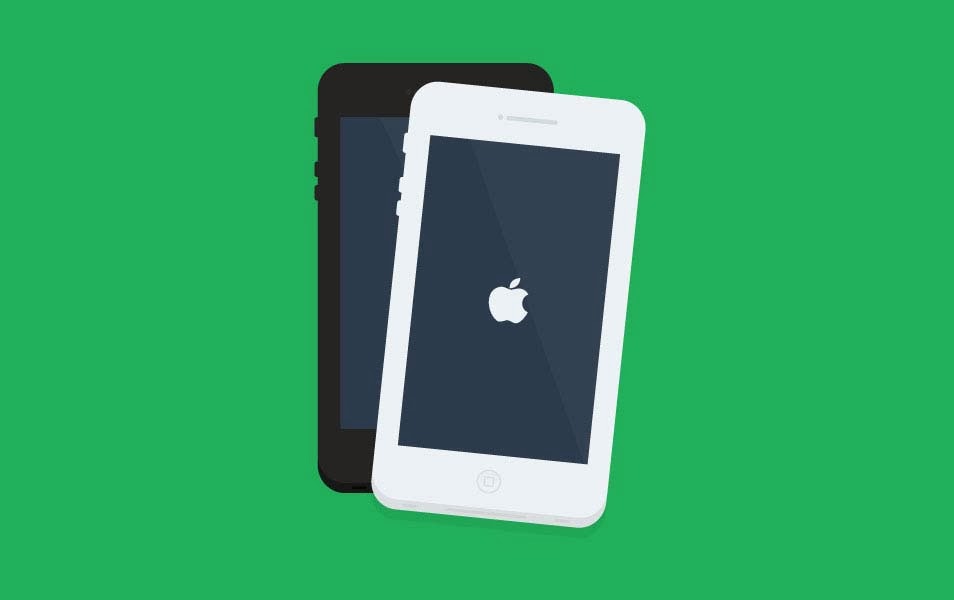
10- Iphone Flat Design
.jpg "Iphone Flat Design")
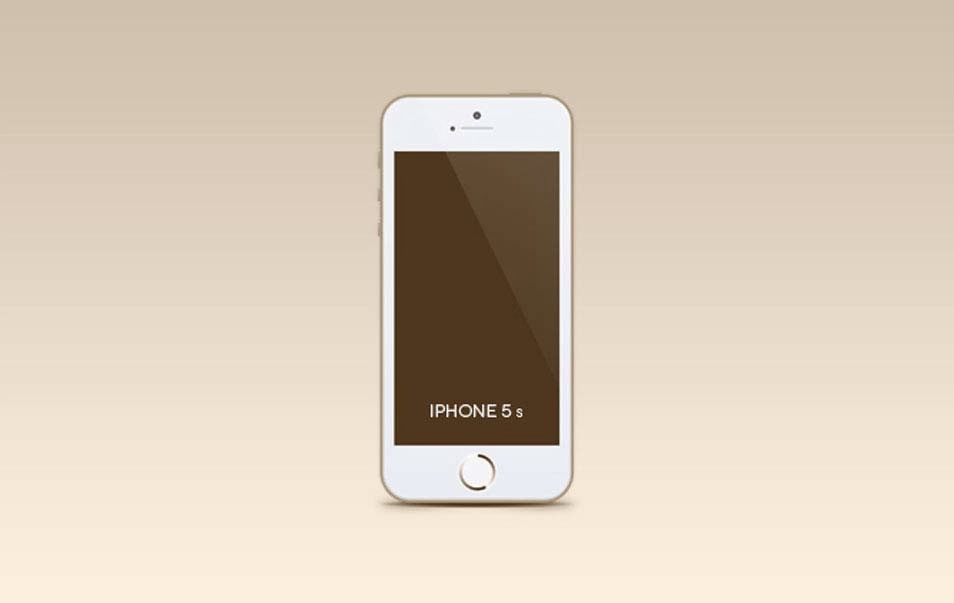
11- Iphone 5s Mockup (Psd)
.jpg "Iphone 5s Mockup (Psd)")
12- 3D View iPhone 5S Psd Vector Mockup
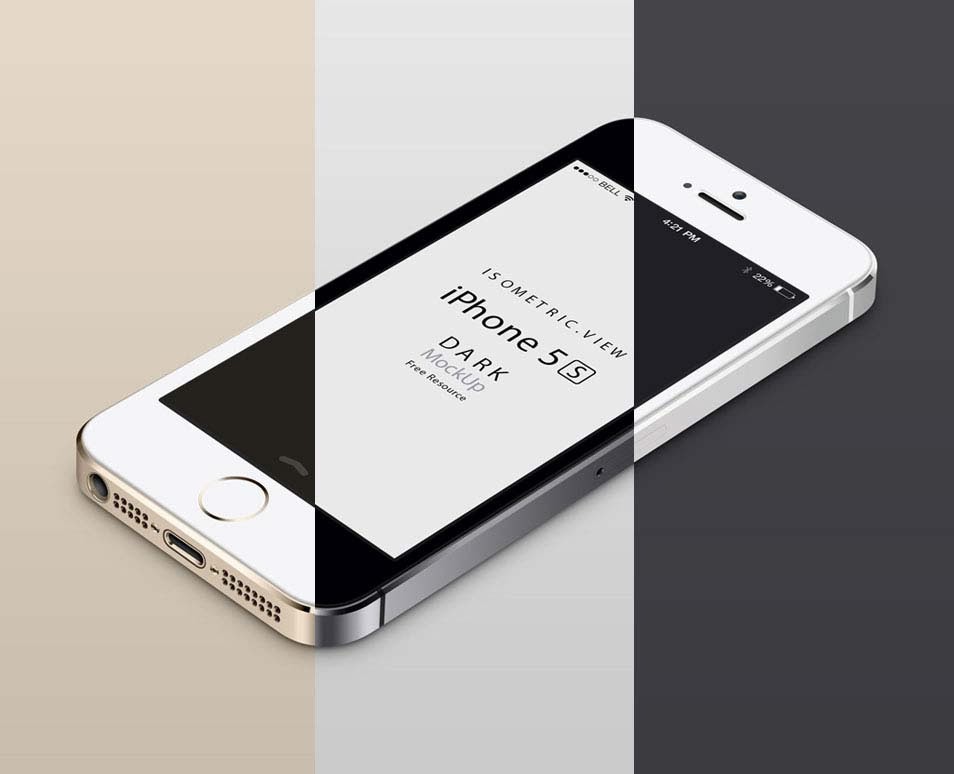.jpg "3D View iPhone 5S Psd Vector Mockup")
13- iPhone 5s Mockup PSD
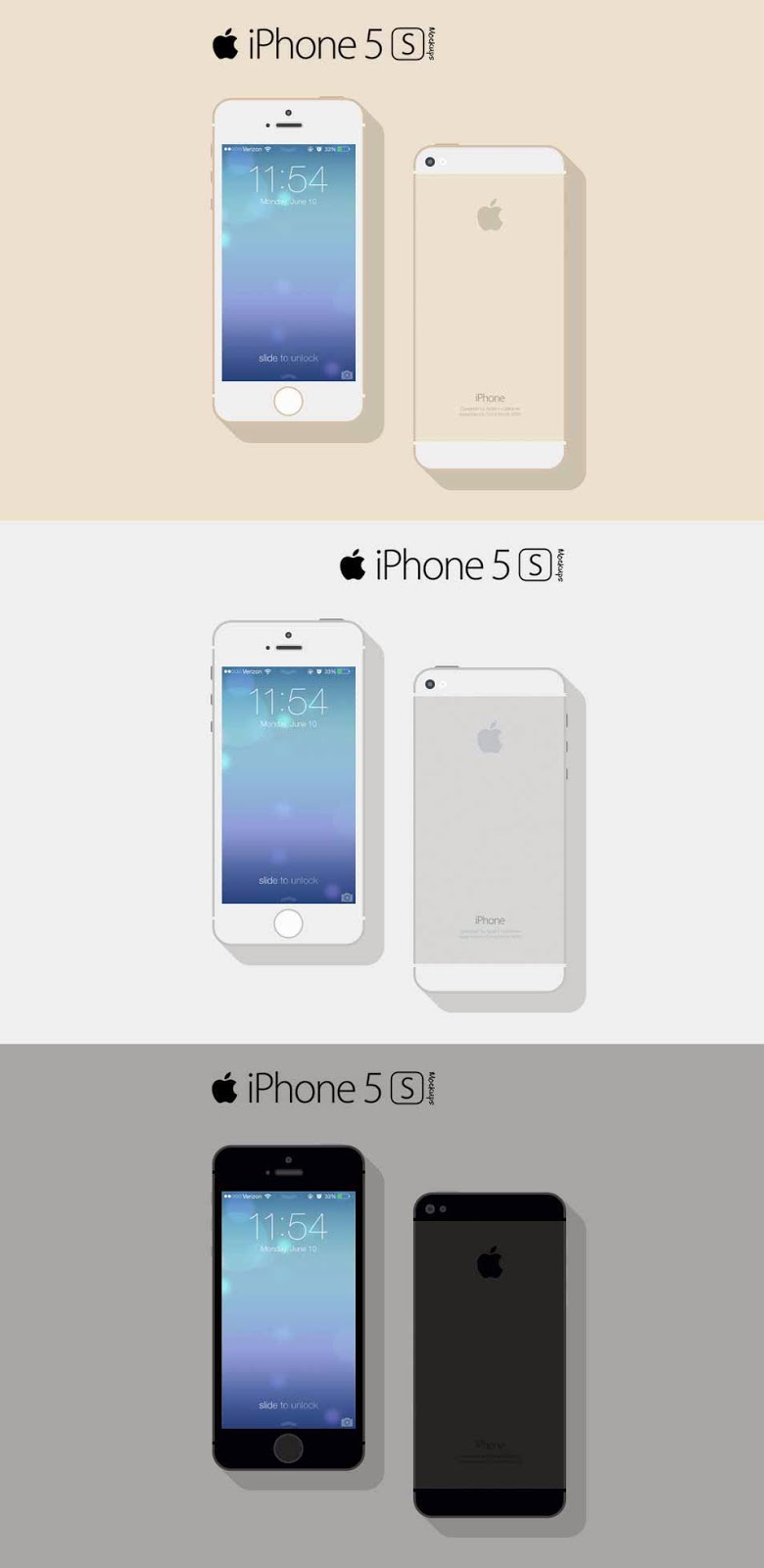.jpg "iPhone 5s Mockup PSD")
14- 3-4 iPhone 5C Psd Vector Mockup
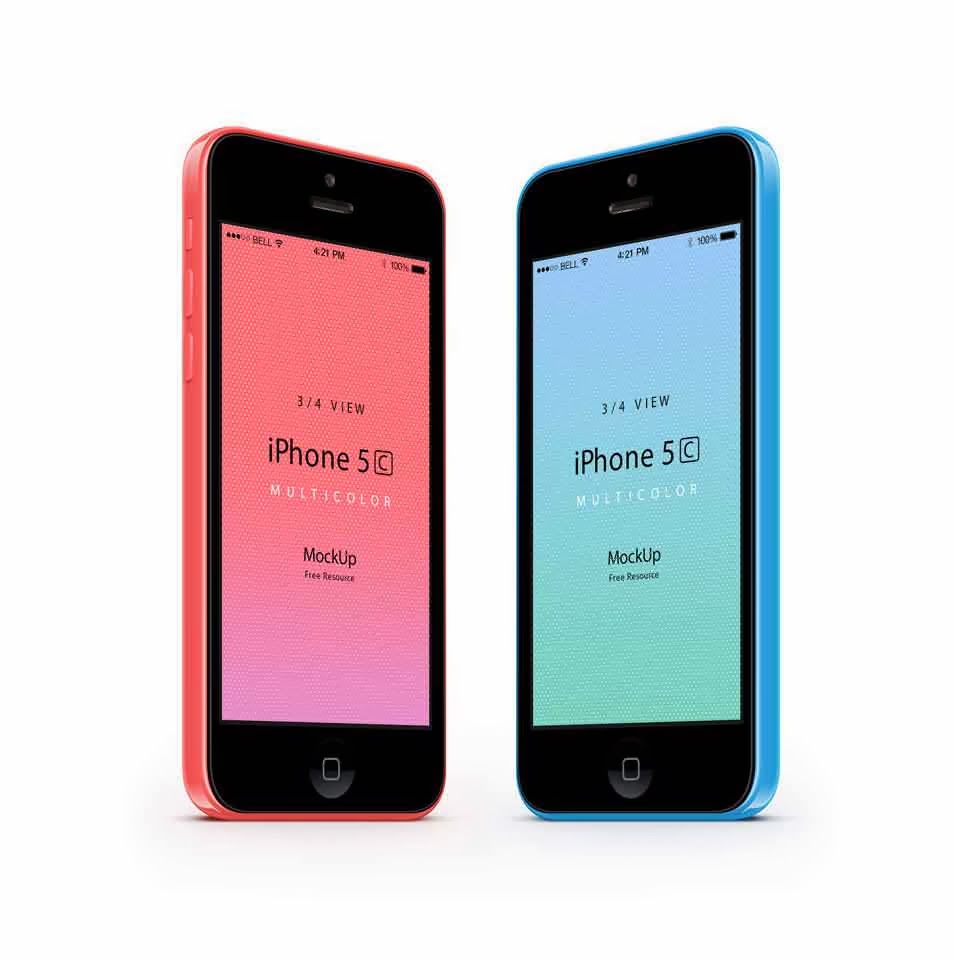.jpg "3-4 iPhone 5C Psd Vector Mockup")
15- iPhone 5s
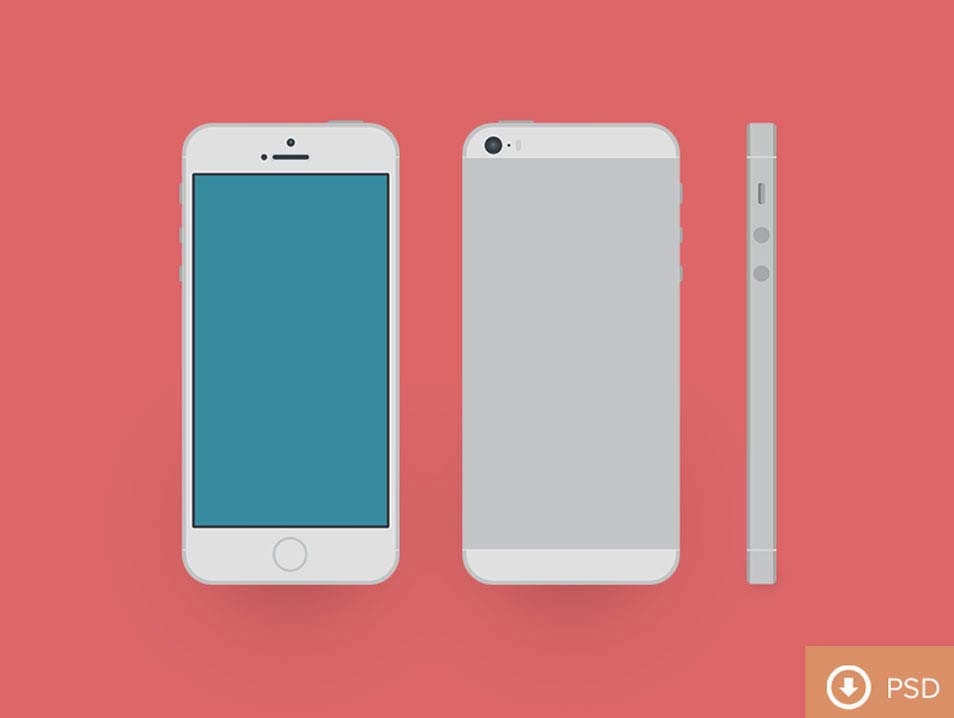.jpg "iPhone 5s")
16- iPhone 5C Flat Design Mockup
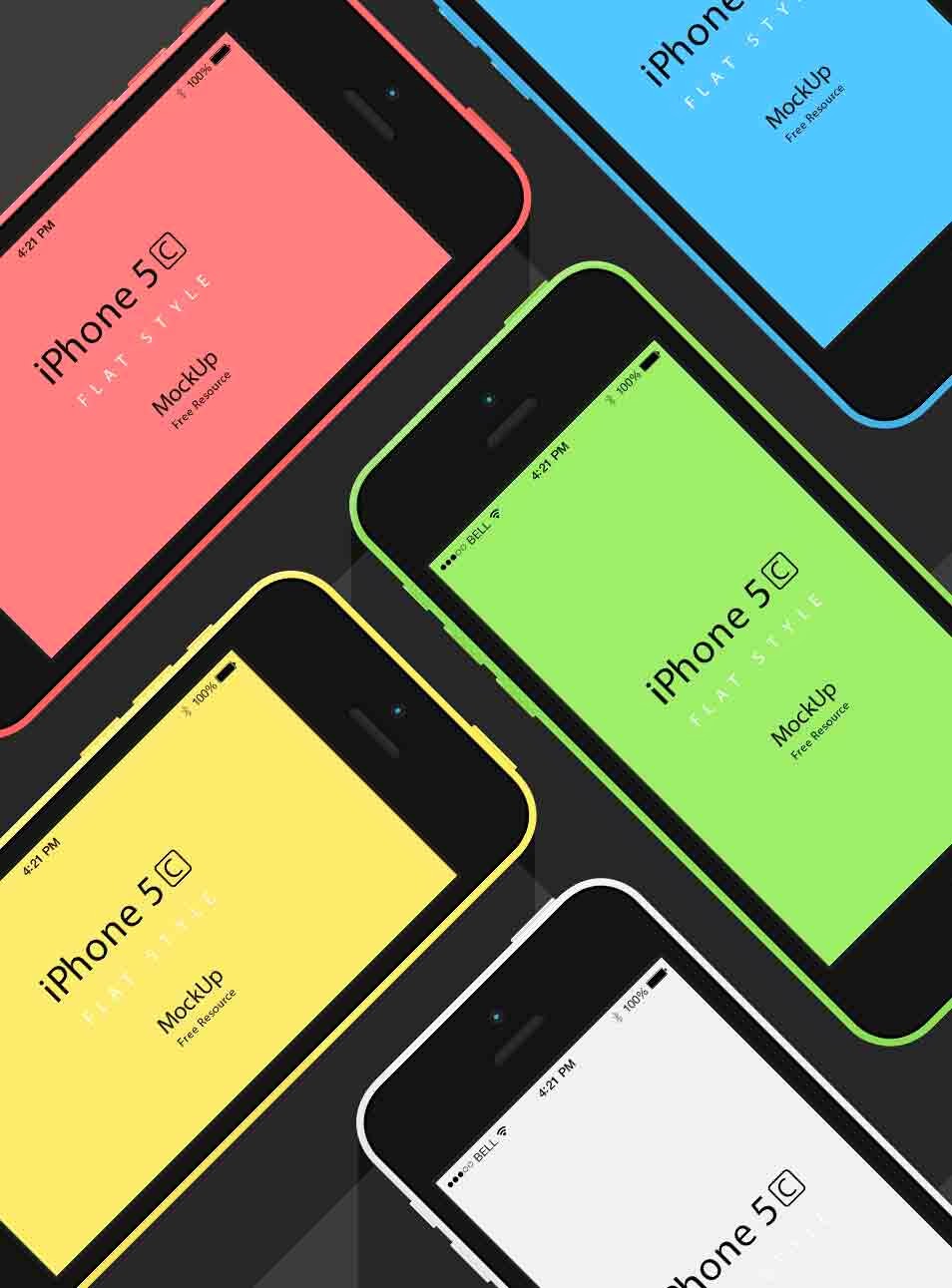.jpg "iPhone 5C Flat Design Mockup")
17- Free iPhone Mockup PSD
.jpg "Free iPhone Mockup PSD")
18- Free Flat iPhone 5c&5s Mockup
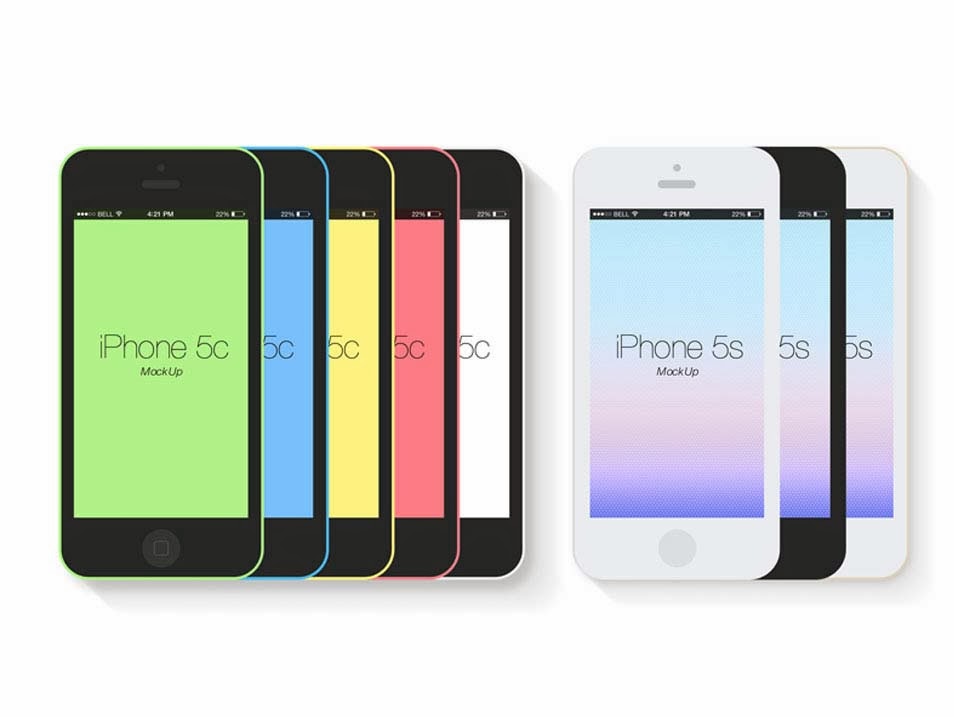.jpg "Free Flat iPhone 5c&5s Mockup")
19- iPhone 5S Gold Mockup
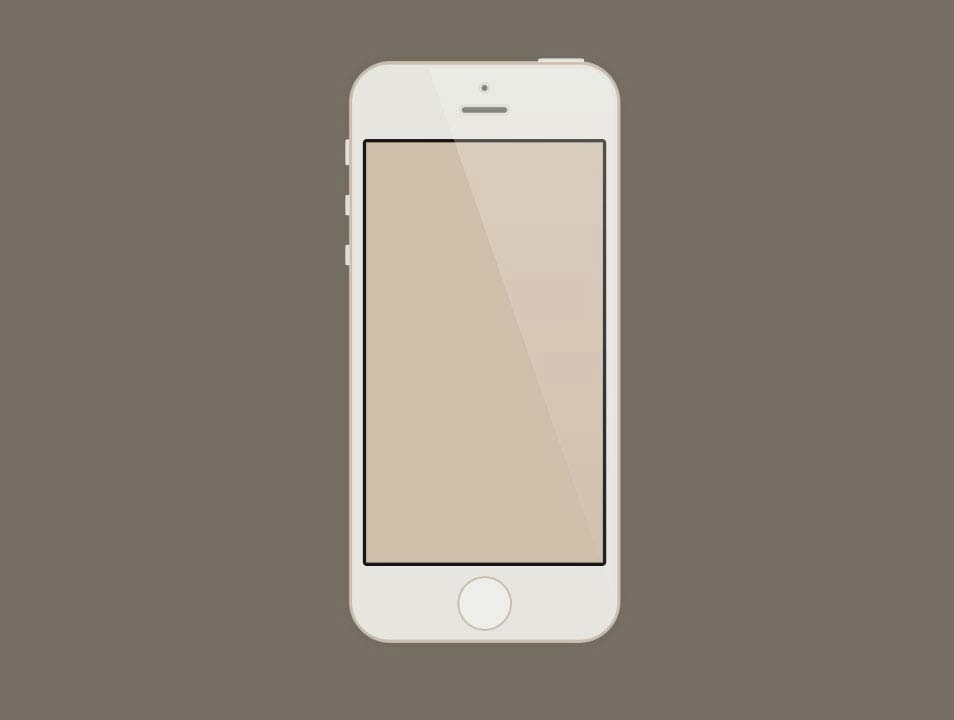.jpg "iPhone 5S Gold Mockup")
20- iPhone Black Mockup
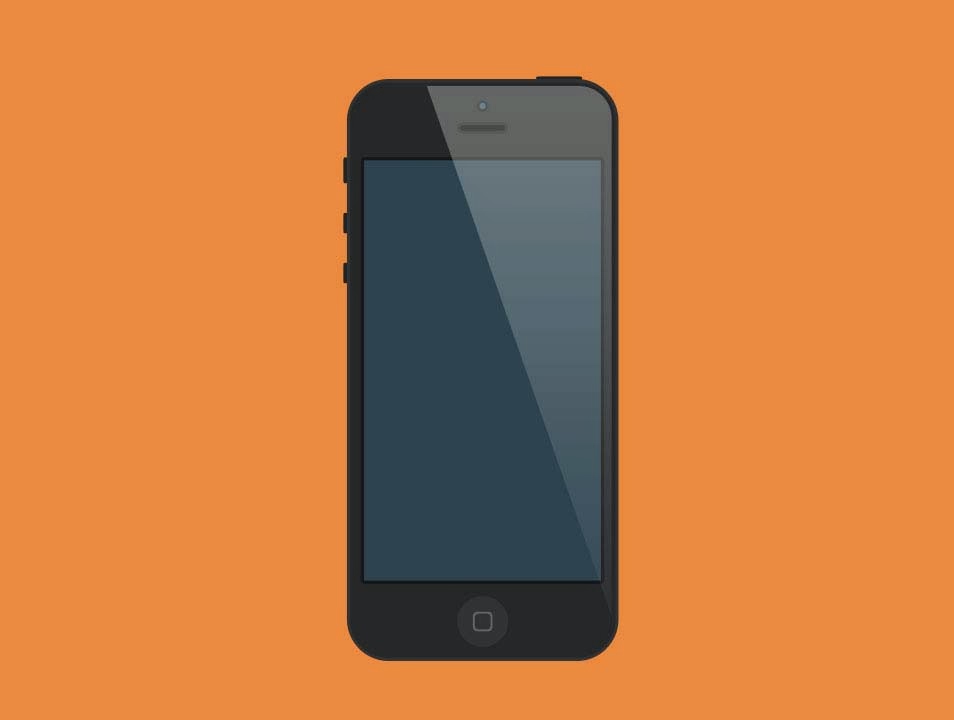.jpg "iPhone Black Mockup")
21- iPhone 5S PSD
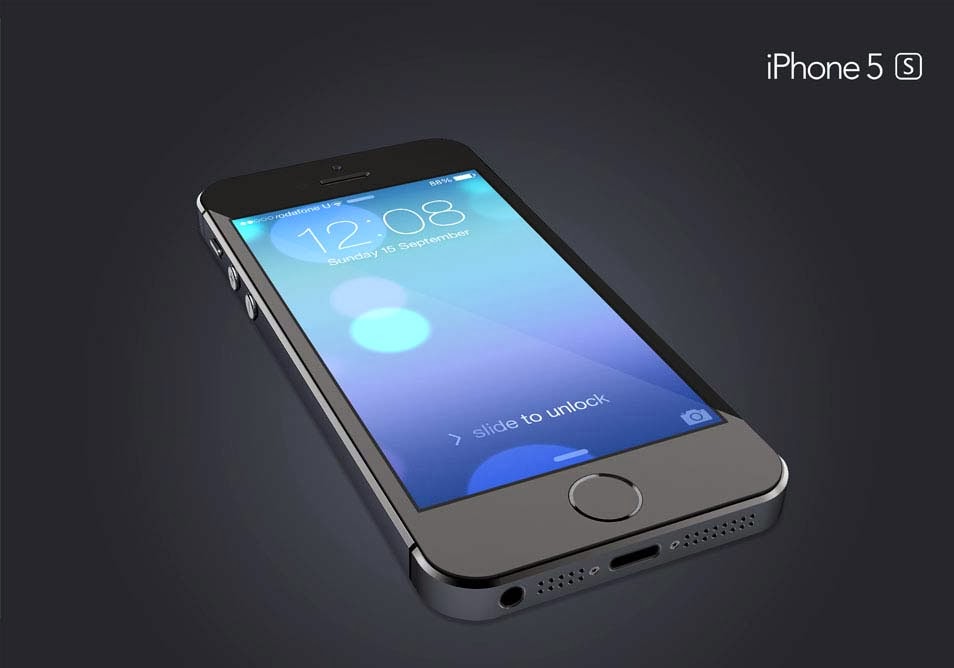.jpg "iPhone 5S PSD")
22- Free iPhone 5c PSD
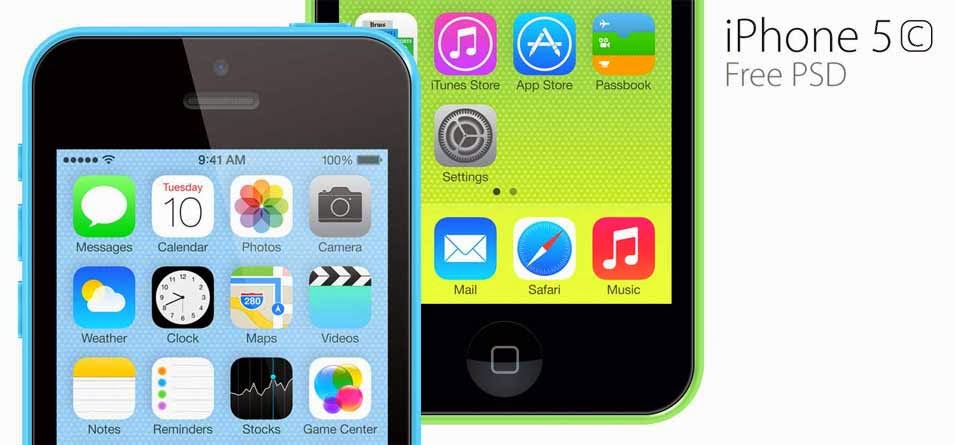.jpg "Free iPhone 5c PSD")
23- phone5 FLAT Mockup FREE
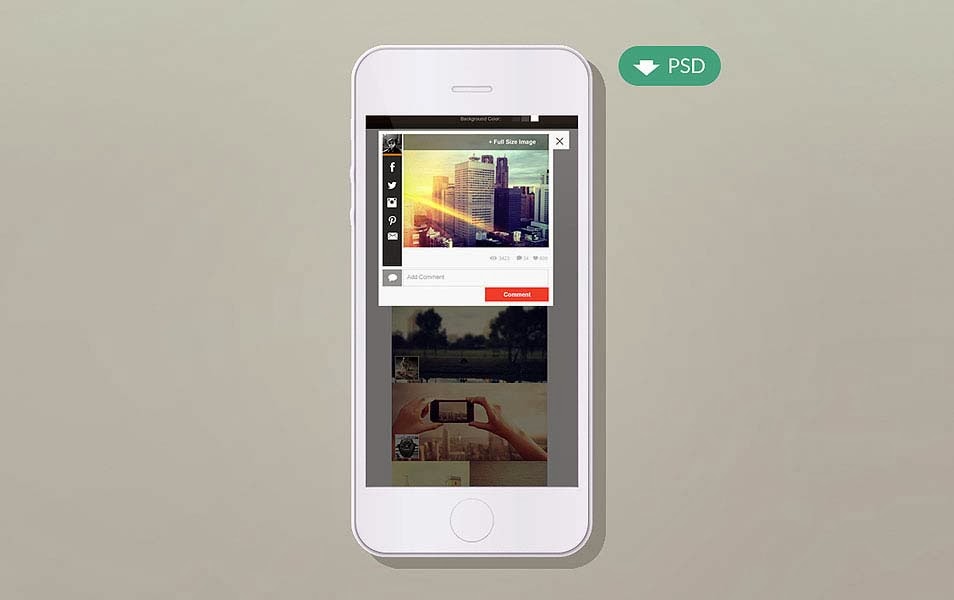.jpg "Iphone5 FLAT Mockup FREE")
24- iPhone 5c free vector PSD
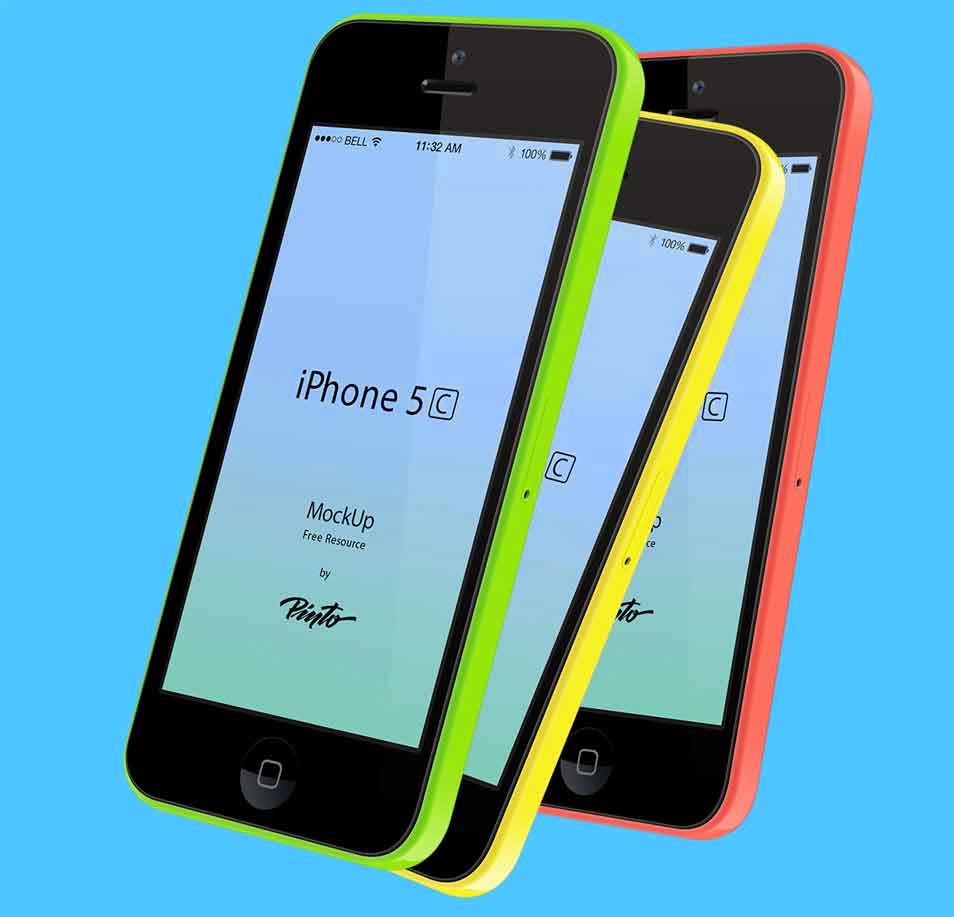.jpg "iPhone 5c free vector PSD")
25- update Touch ID (PSD) iPhone 5S
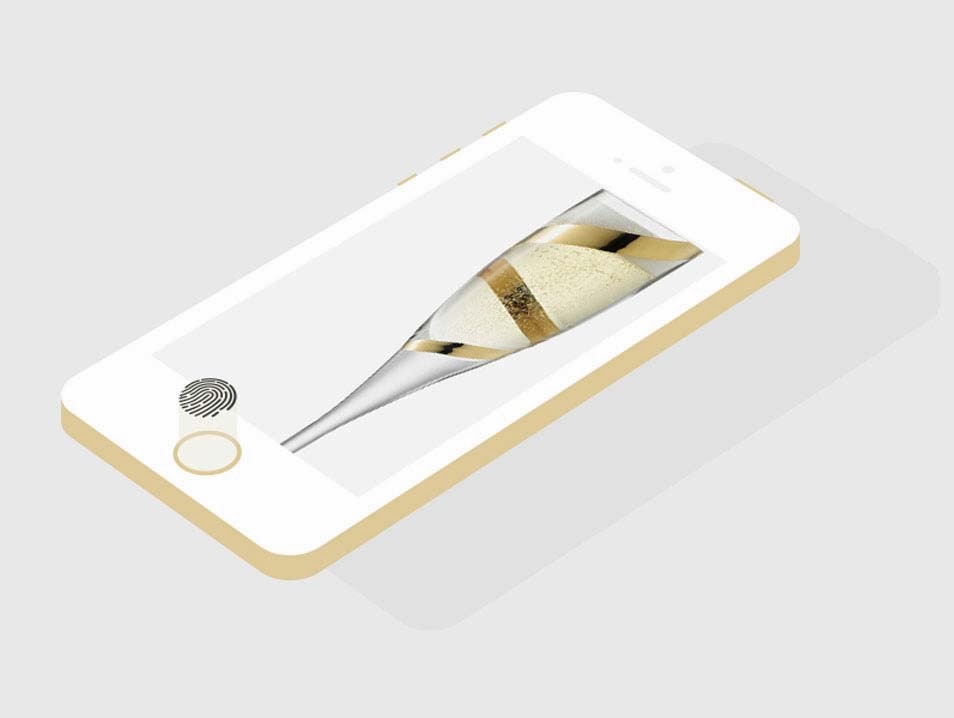.jpg "update Touch ID (PSD) iPhone 5S")
26- Flat iPhone 5S PSD Mockup
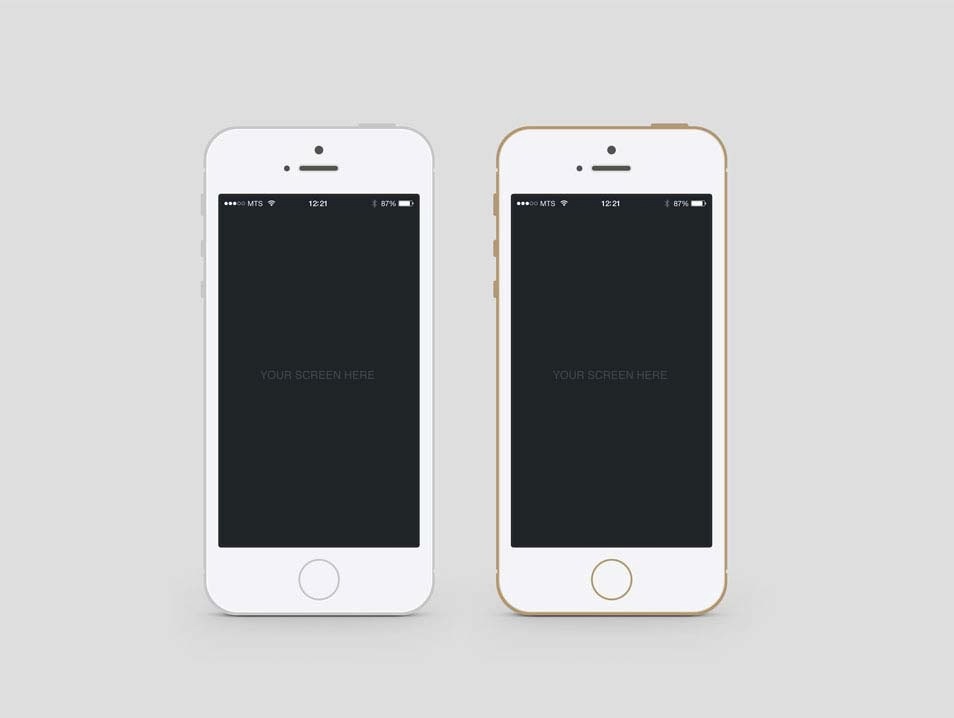.jpg "Flat iPhone 5S PSD Mockup")
27- iPhone 5C Perspective Mock up
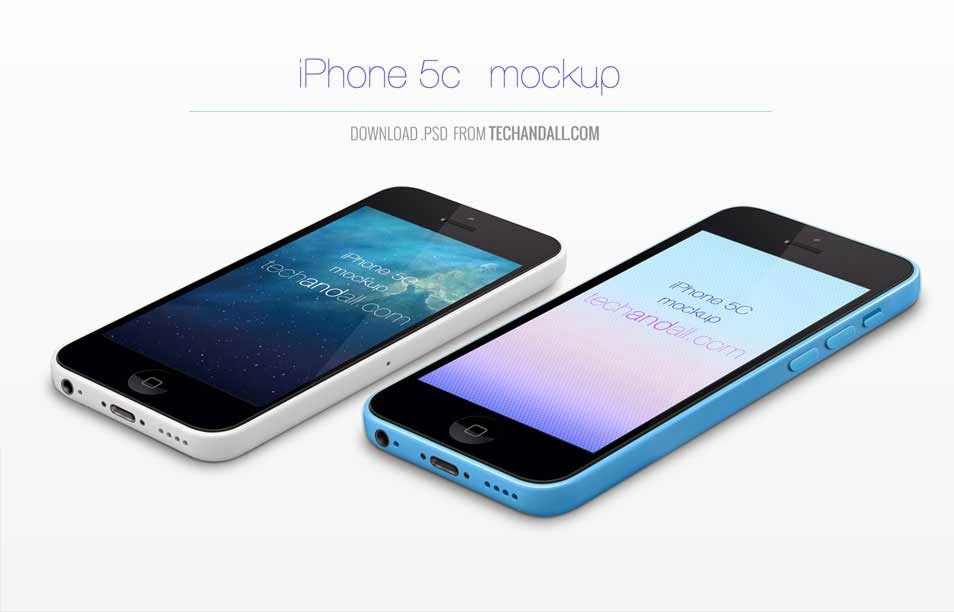.jpg "iPhone 5C Perspective Mock up")
28- iPhone 5s Minimal Gold – Free PSD
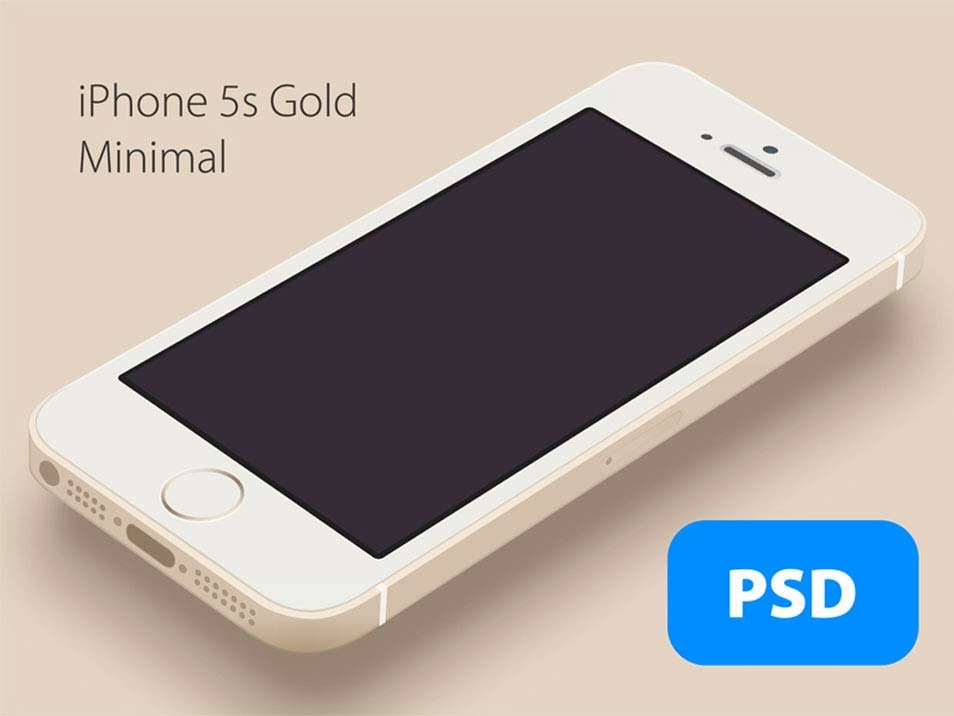.jpg "iPhone 5s Minimal Gold – Free PSD")
29- Minimal iPhone Template
.jpg "Minimal iPhone Template")
30- iPhone 5S Flat Design (PSD)
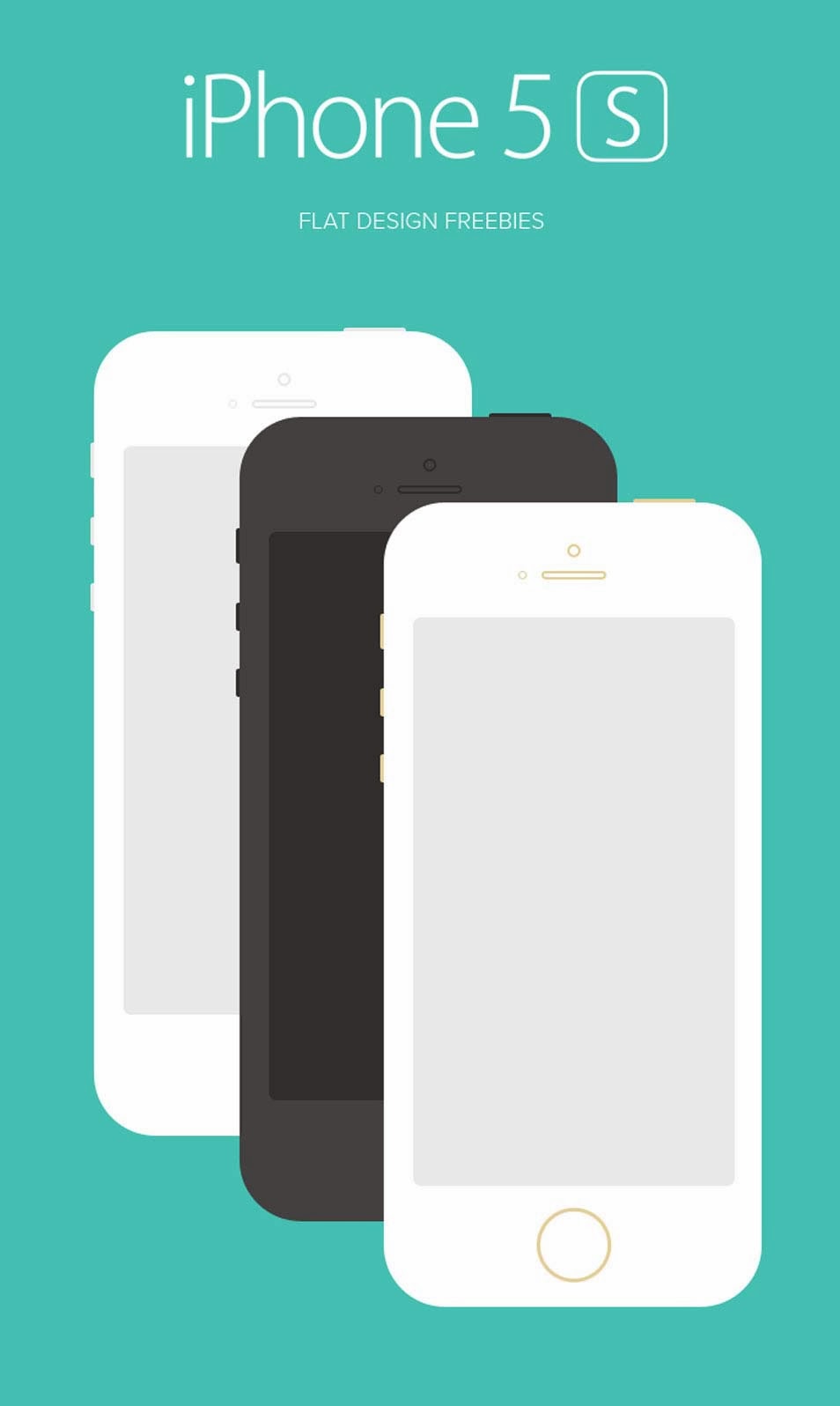.jpg "iPhone 5S Flat Design(PSD)")
31- Iphone 5S Side View PSD
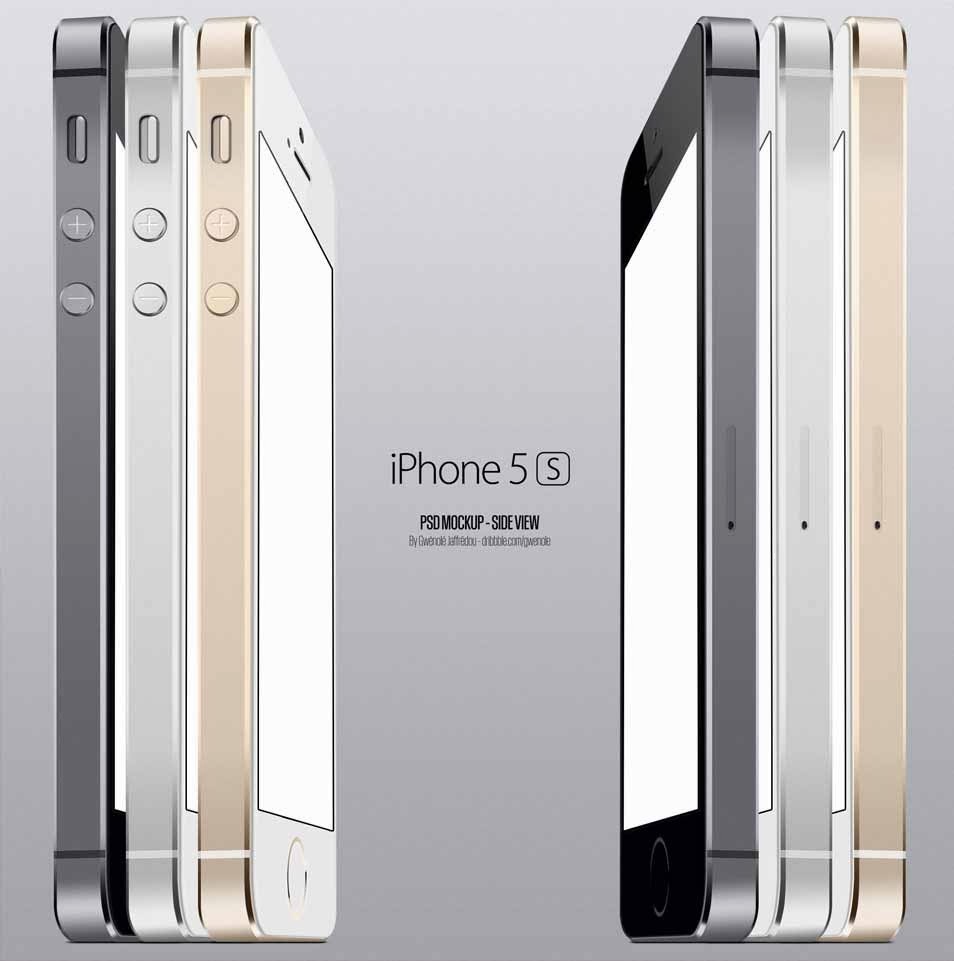.jpg "Iphone 5S Side View PSD")
32- Iphone 5S Mockup – Hand PSD
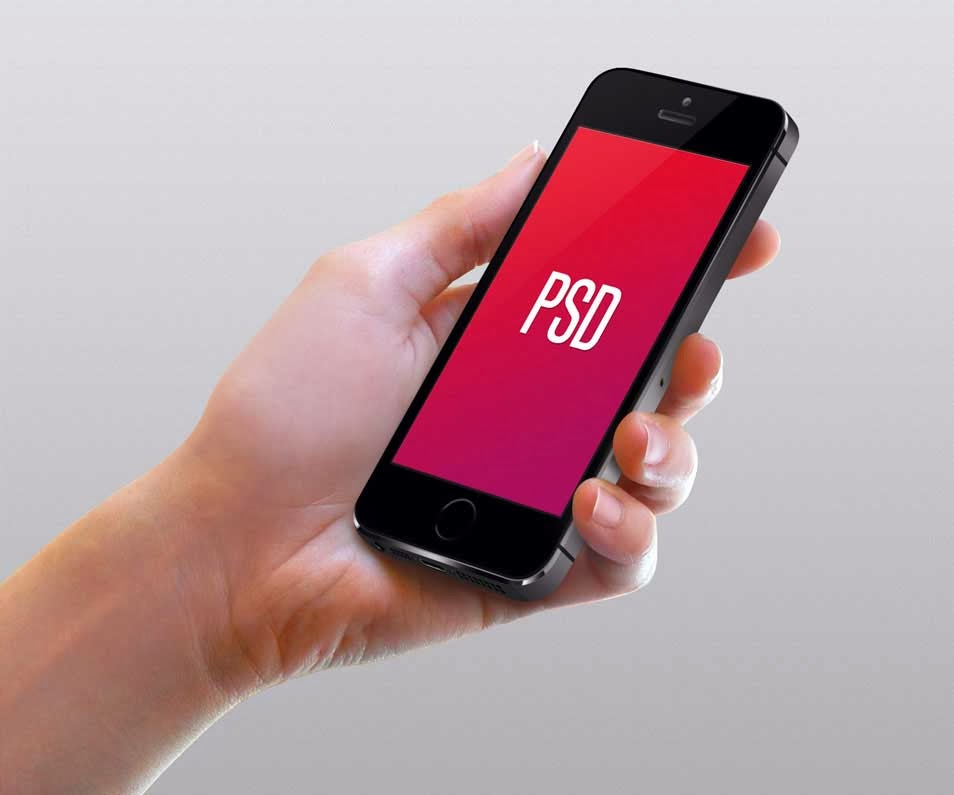.jpg "Iphone 5S Mockup – Hand PSD")
33- iPhone 5S – Free PSD Mock-up
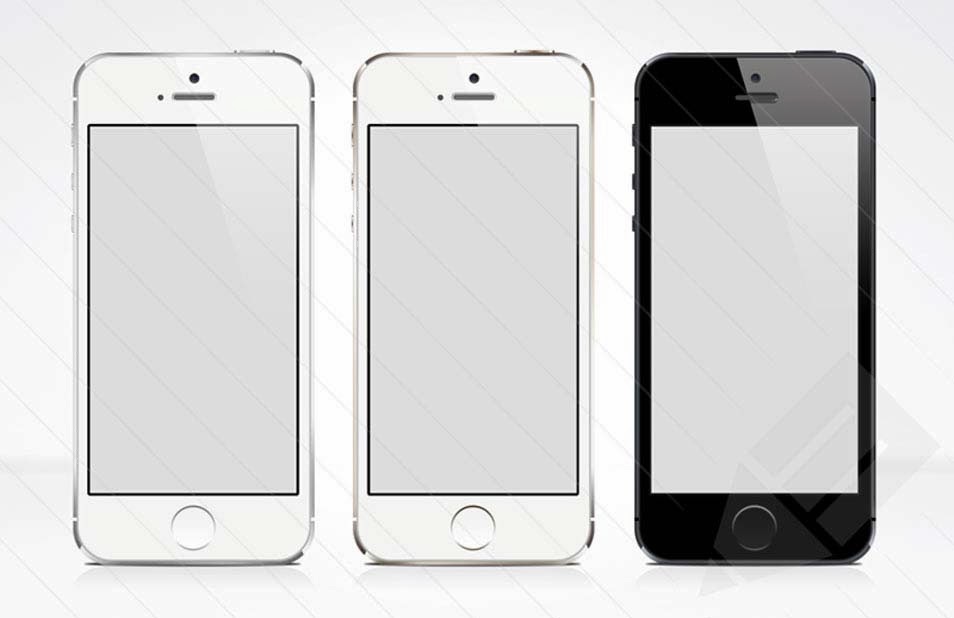.jpg "iPhone 5S – Free PSD Mock-up")
34- iPhone 5s + iPhone 5c [PSD]
![iPhone 5s + iPhone 5c [PSD]](https://blogger.googleusercontent.com/img/b/R29vZ2xl/AVvXsEiudGNUqBGC5w7mnFta8hLbi-7IrA1NKYJcu_53ICPK6DAZvOmpoi_C5W1dL8fsCFrR2Gkfg7-LeGf2cCRmFRDM38qEWM1C35fMAWFFdK2haEHY3vhyWMr4s12s_wZX_9bVVFReX-GNLDg/s1600/iphone-mockup-psds-(34).jpg "iPhone 5s + iPhone 5c [PSD]")
35- Free iPhone 6 Concept Mockup PSD
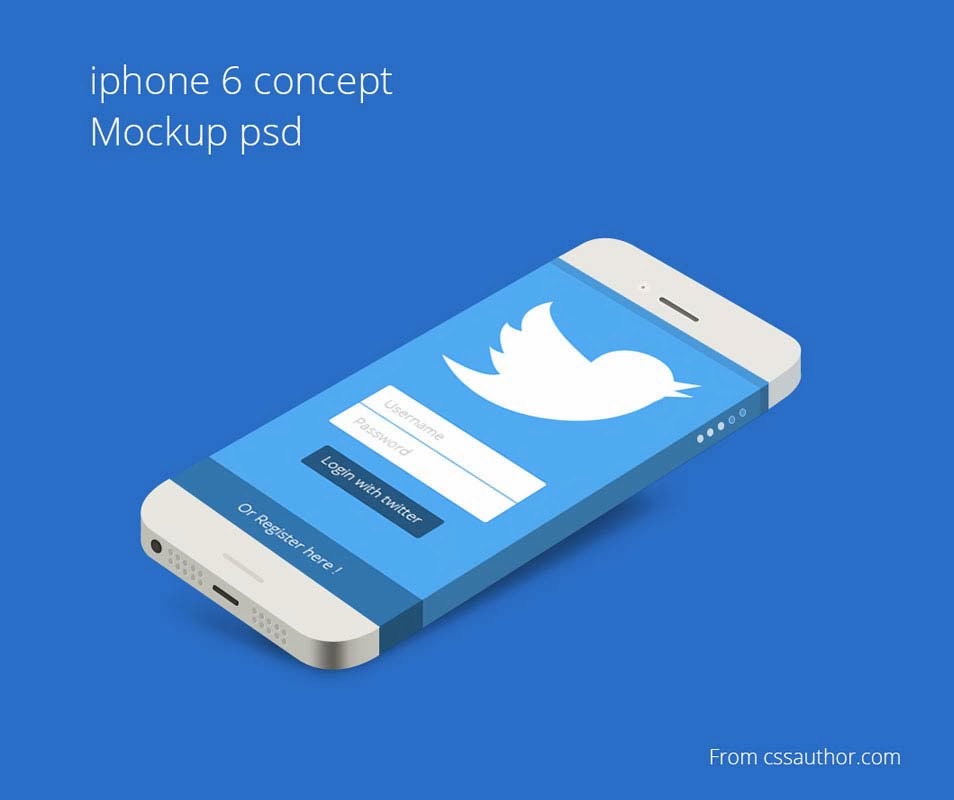.jpg "Free iPhone 6 Concept Mockup PSD")
36- iPhone 5C Psd Vector Mockup
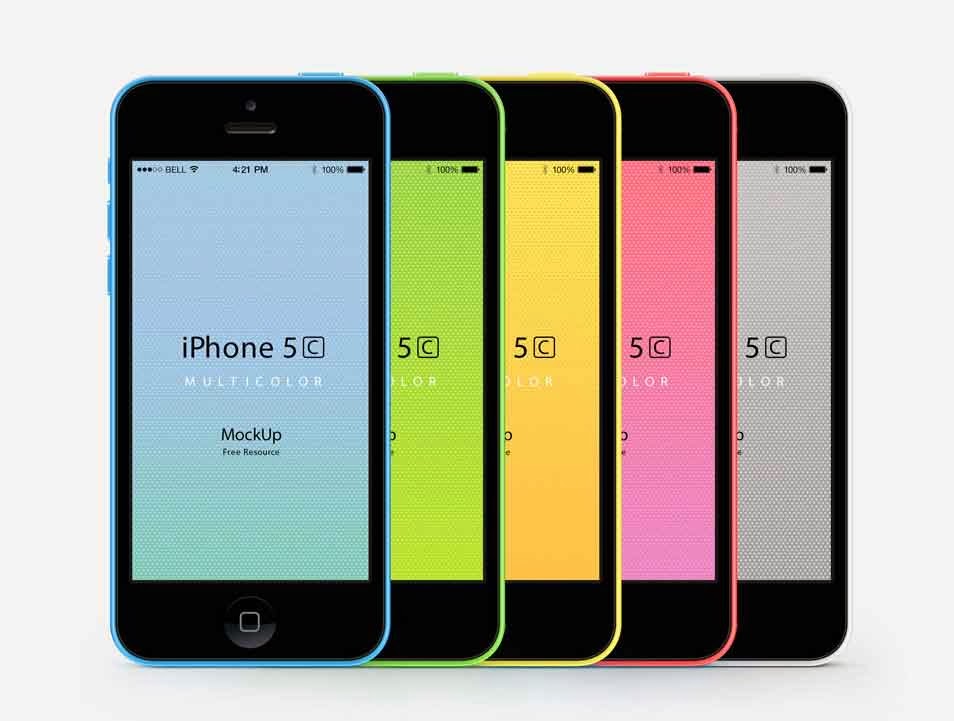.jpg "iPhone 5C Psd Vector Mockup")
37- iPhone White Mockup
.jpg "iPhone White Mockup")
38- iPhone 5 Mockup PSD
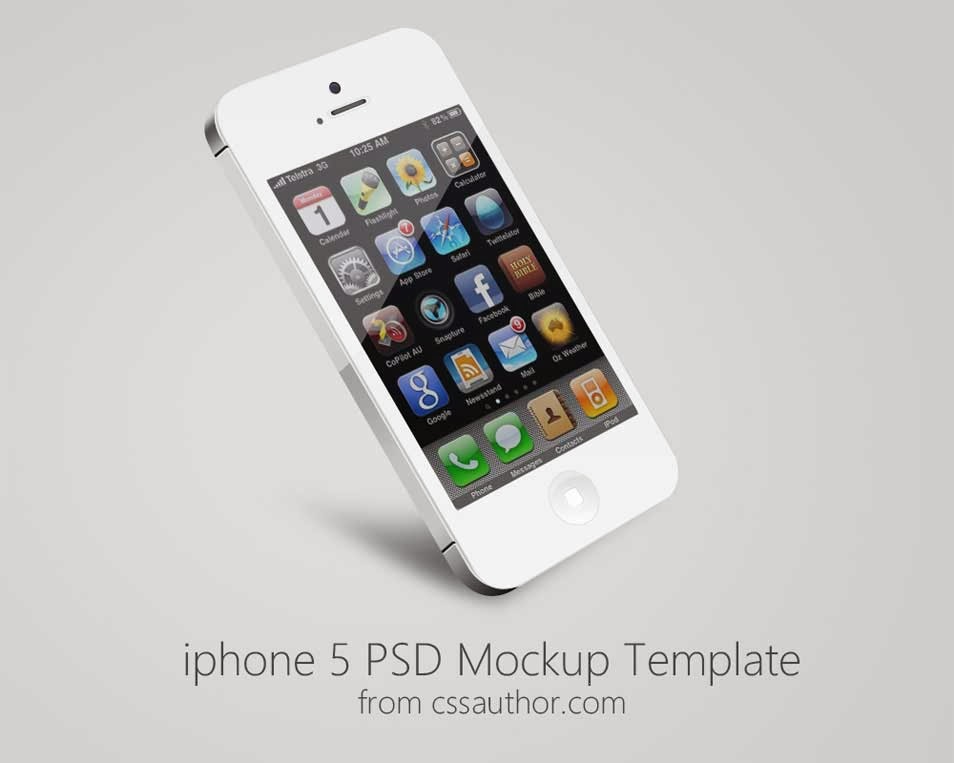.jpg "iPhone 5 Mockup PSD")
39- Apple iPhone 5 PSD Mockup
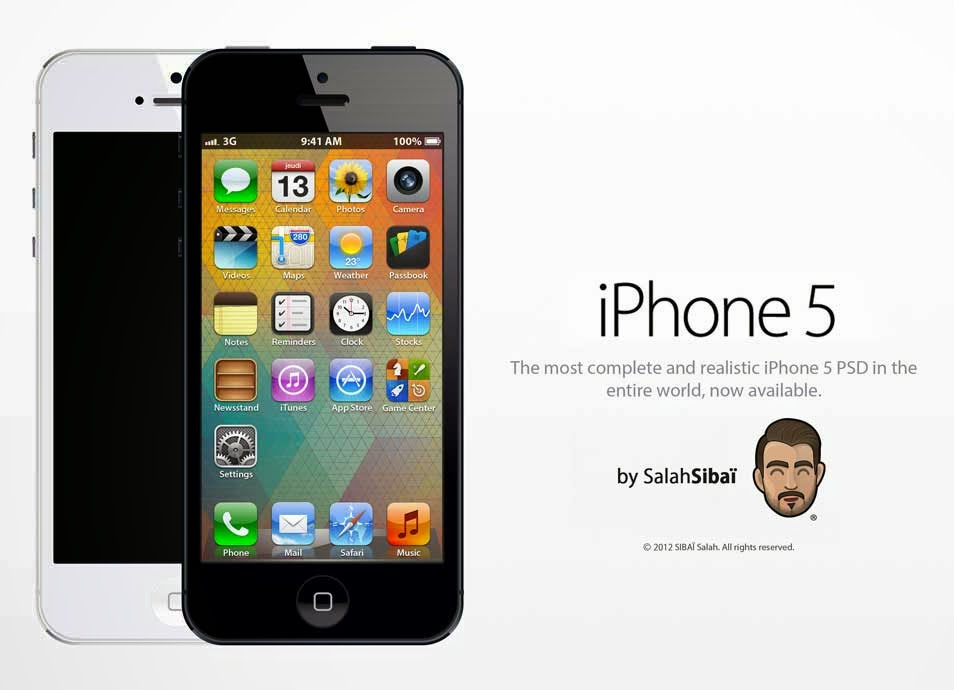.jpg "Apple iPhone 5 PSD Mockup")
40- [PSD] iPhone 6 black & white
![[PSD] iPhone 6 black & white](https://blogger.googleusercontent.com/img/b/R29vZ2xl/AVvXsEjb2AV4OVYP232vPh7eLmVRiU2rduH6v97A0c0IftwqarKuHLriSUU51xG0b0KMtg4ZEzNCdWGcIySH4x6Zj8EeJ0FDHGME-F7fnlglsm1mqoLGSla2nK4ejPJ5ZJbEAdtCX67KB_NVXmo/s1600/iphone-mockup-psds-(44).jpg "[PSD] iPhone 6 black & white")
41- iPhone 5S Psd Vector Mockup
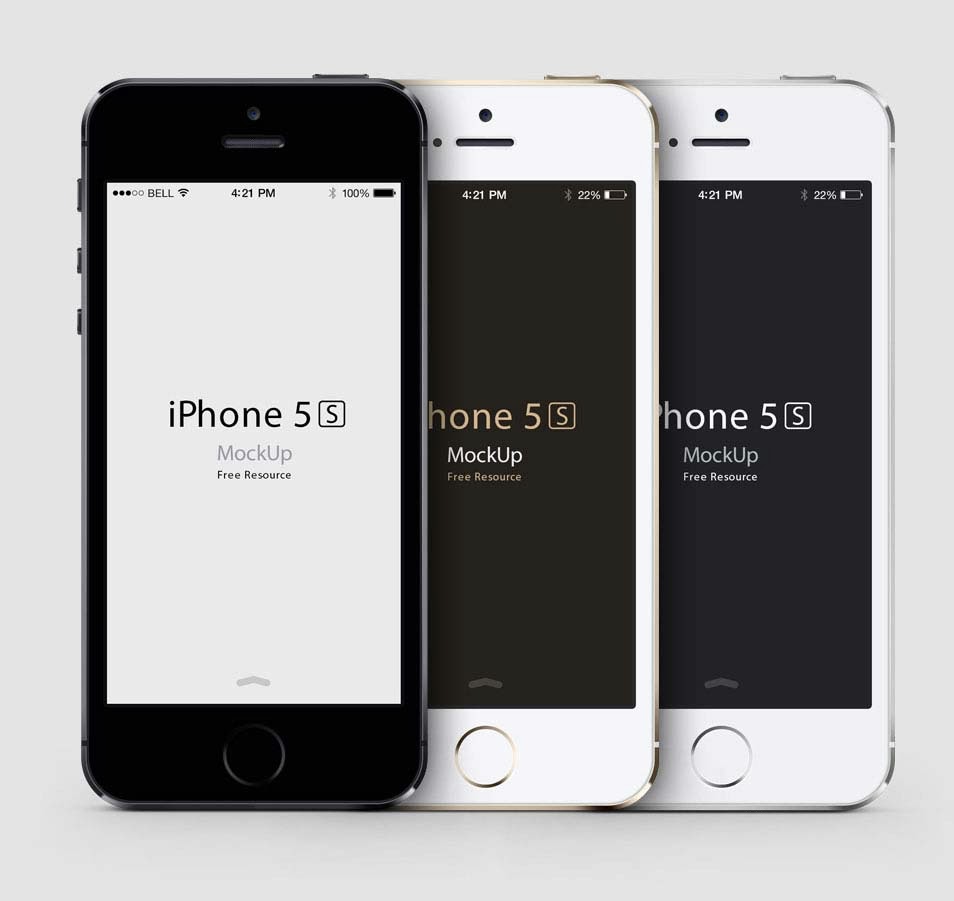.jpg "iPhone 5S Psd Vector Mockup")
42- iPhone 5 Mock ups FREEMIUM
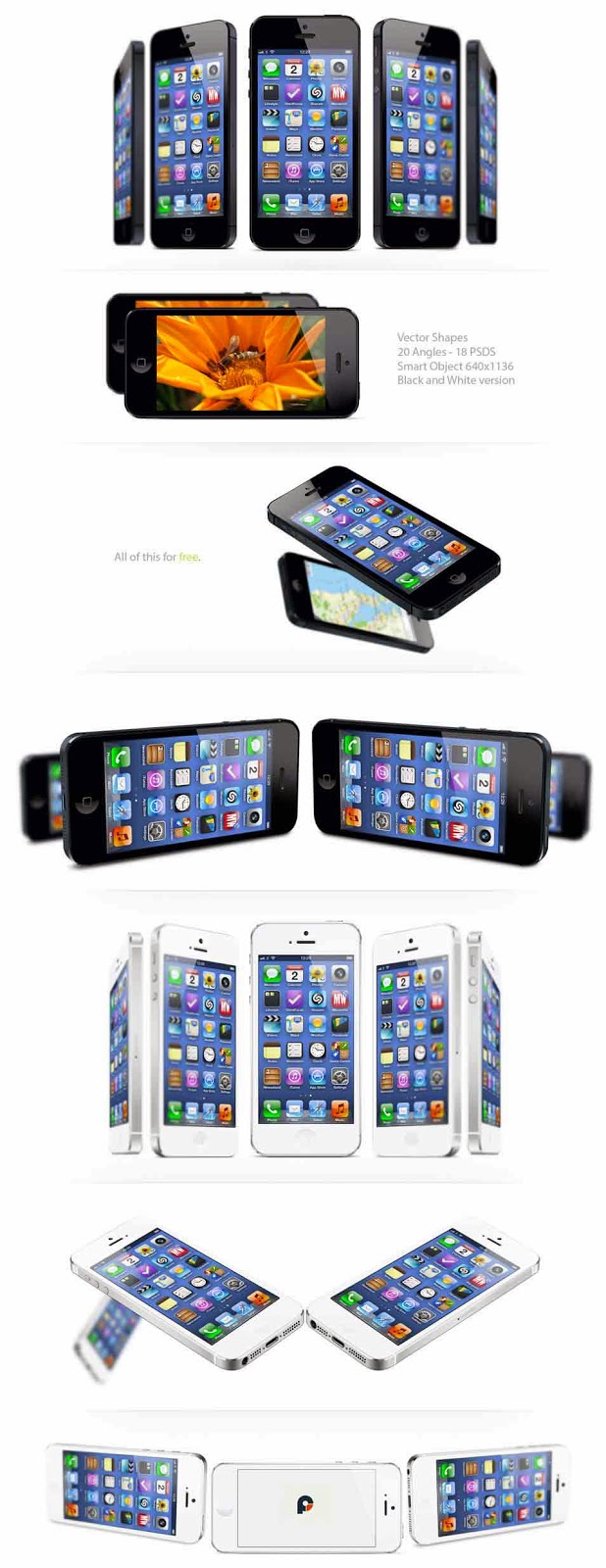.jpg "iPhone 5 Mock ups FREEMIUM")
43- Gold iPhone 5S PSD
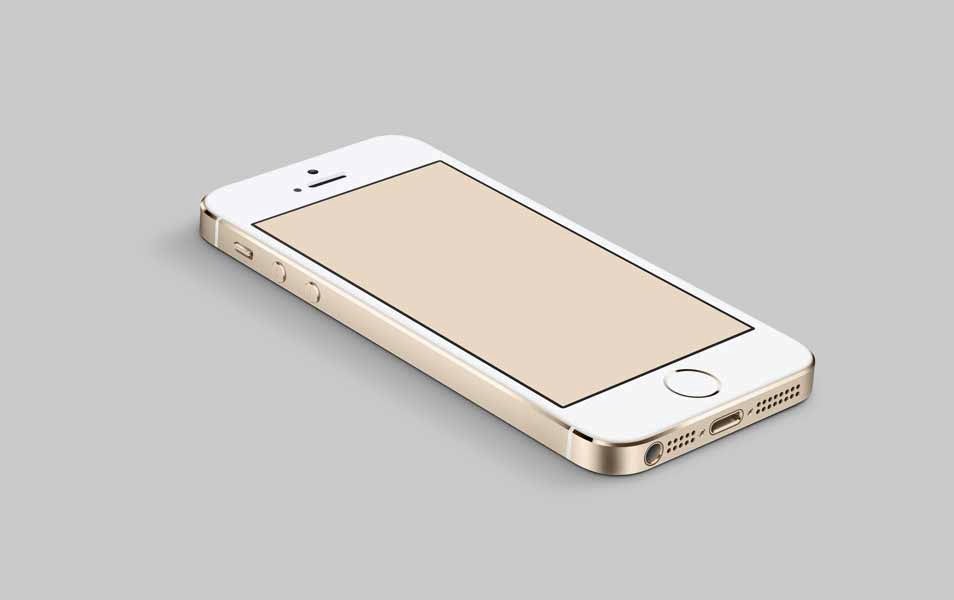.jpg "Gold iPhone 5S PSD")
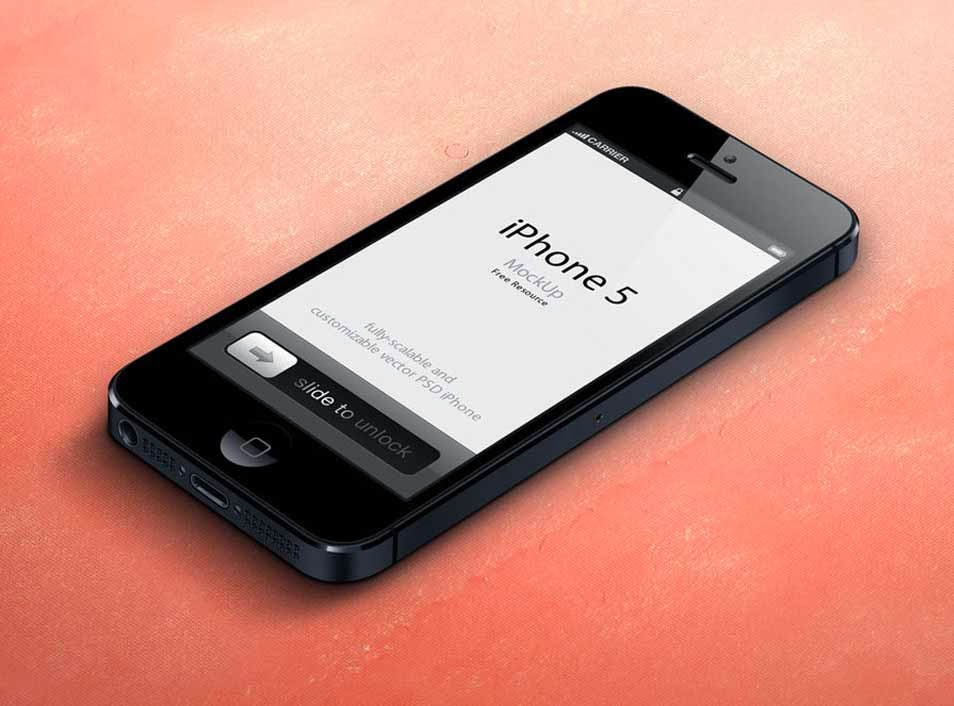
44- 3D View iPhone 5 Psd Vector Mockup
.jpg "3D View iPhone 5 Psd Vector Mockup")
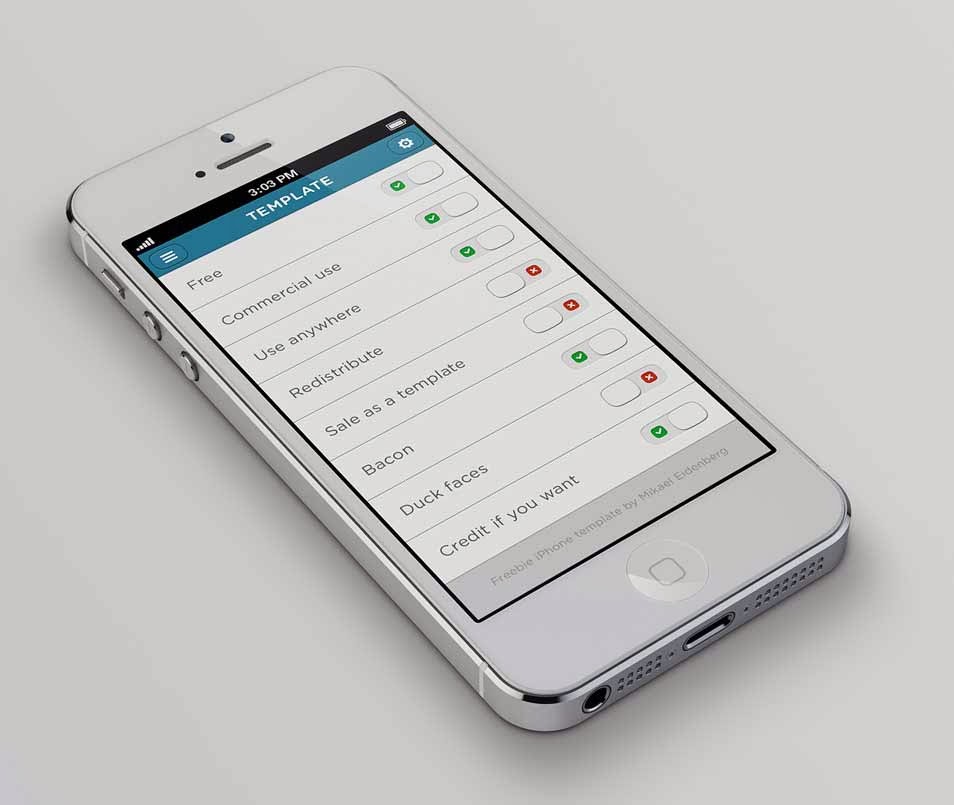
45- Free Iphone 5 Template PSD
.jpg "Free Iphone 5 Template PSD")
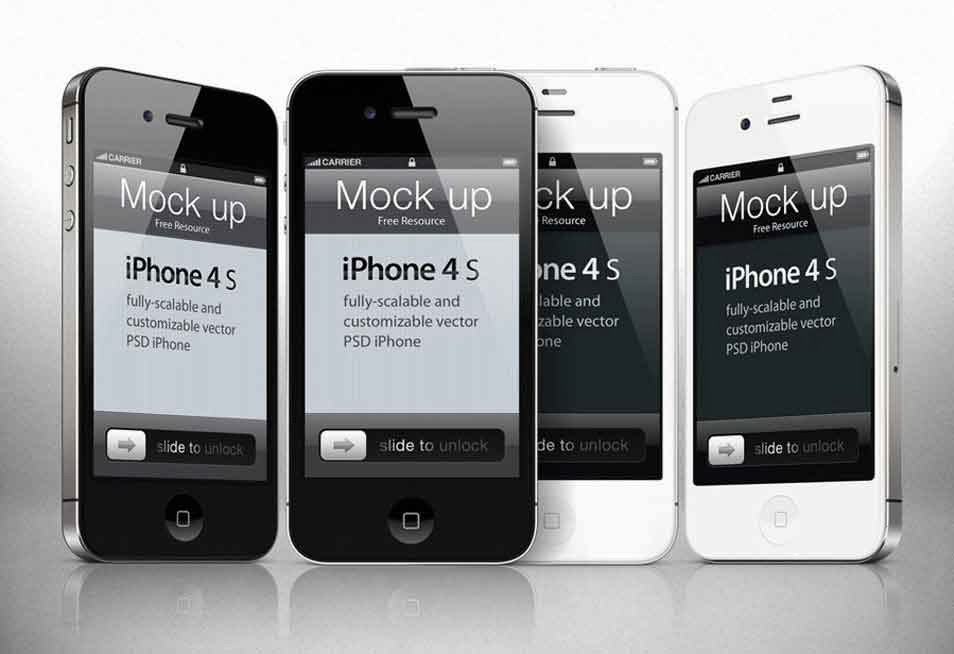
46- iPhone 4s Psd Vector Mockup Template
.jpg "iPhone 4s Psd Vector Mockup Template")
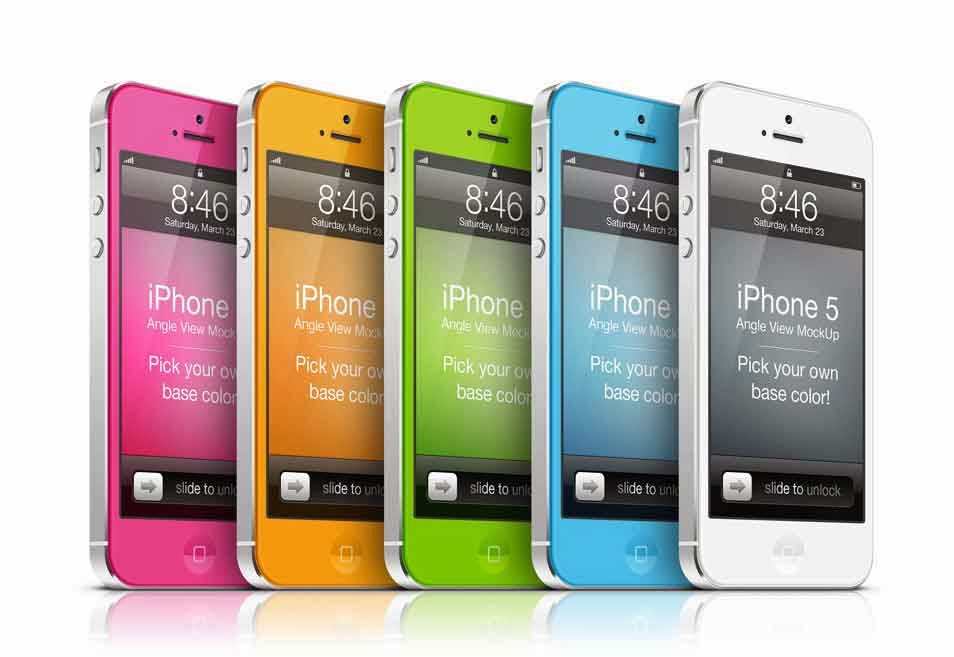
47- iPhone 5 Angle View MockUp
.jpg "iPhone 5 Angle View MockUp")
48- 3D View iPhone 5C Psd Vector Mockup
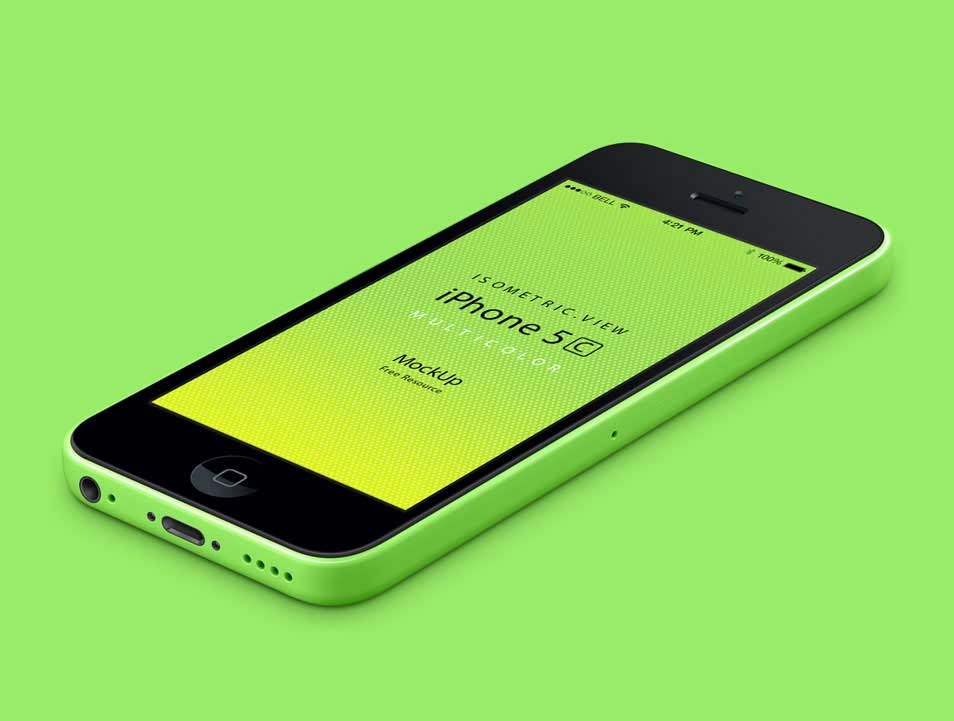.jpg "3D View iPhone 5C Psd Vector Mockup")
49- iPhone 5 Psd Vector Mockup
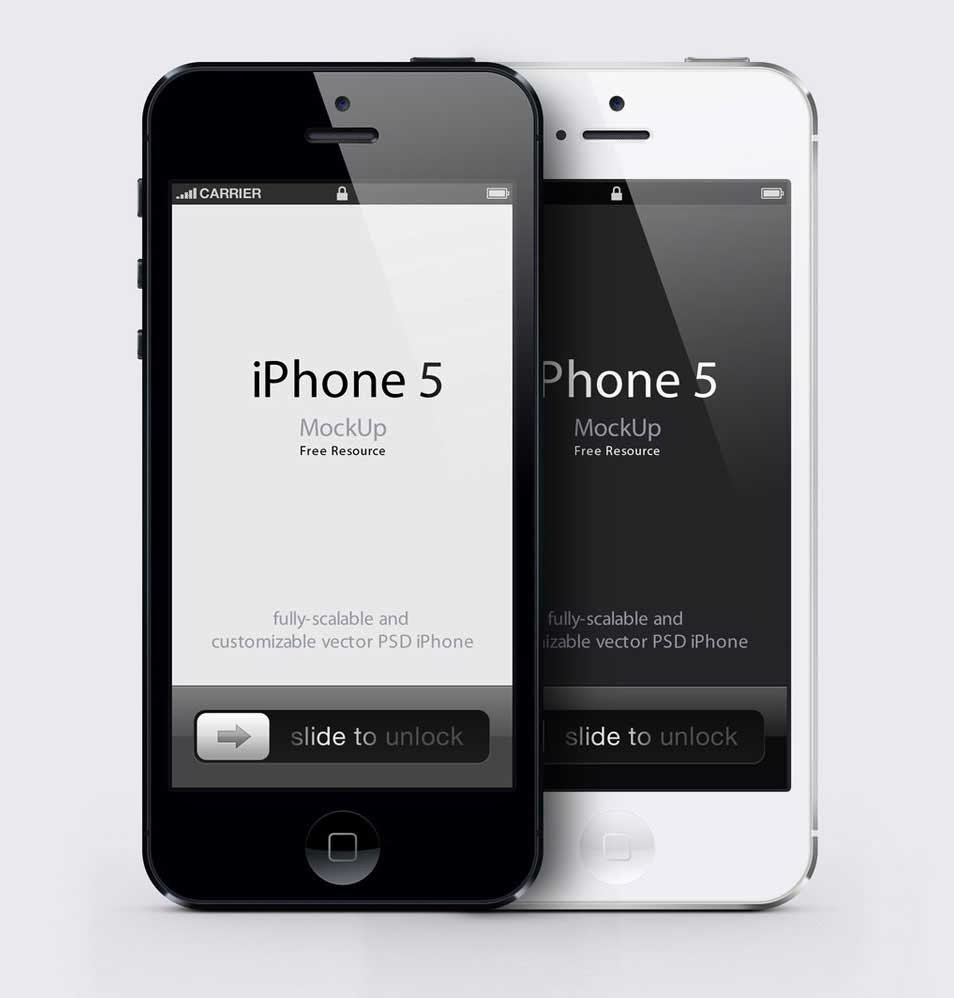.jpg "iPhone 5 Psd Vector Mockup")
50- iPhone 5 Front View MockUp
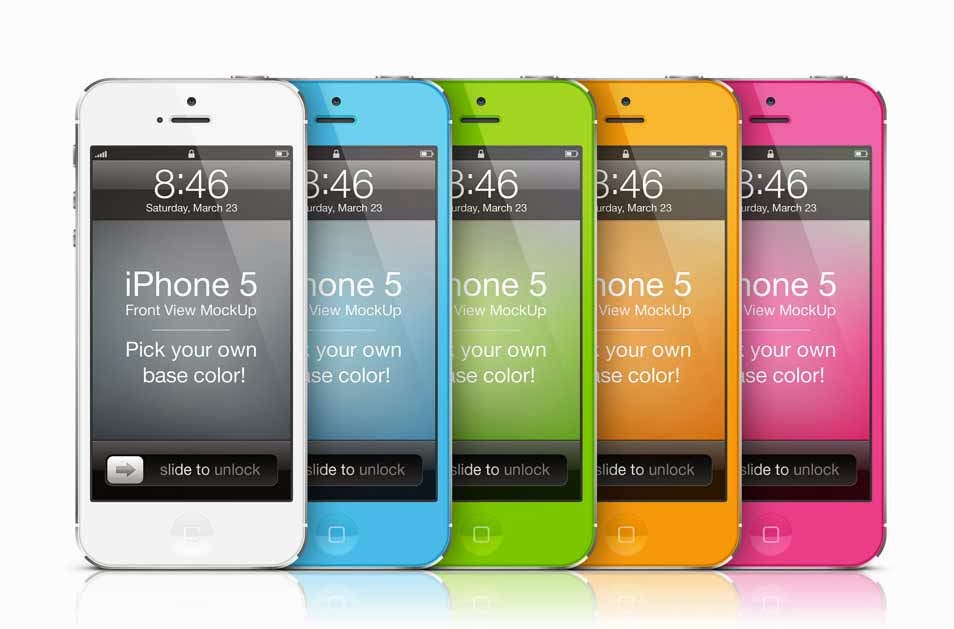.jpg "iPhone 5 Front View MockUp")
51- 3/4 View iPhone 5 Psd Vector Mockup
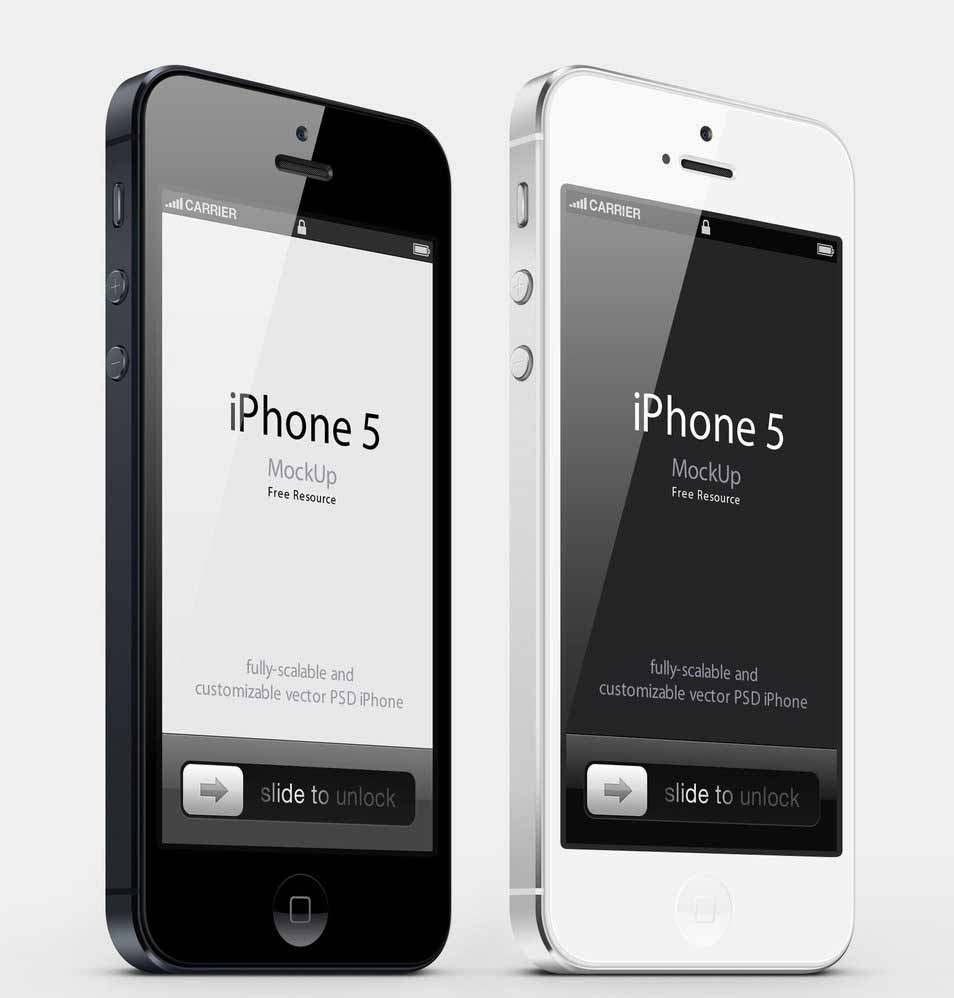.jpg "3/4 View iPhone 5 Psd Vector Mockup")
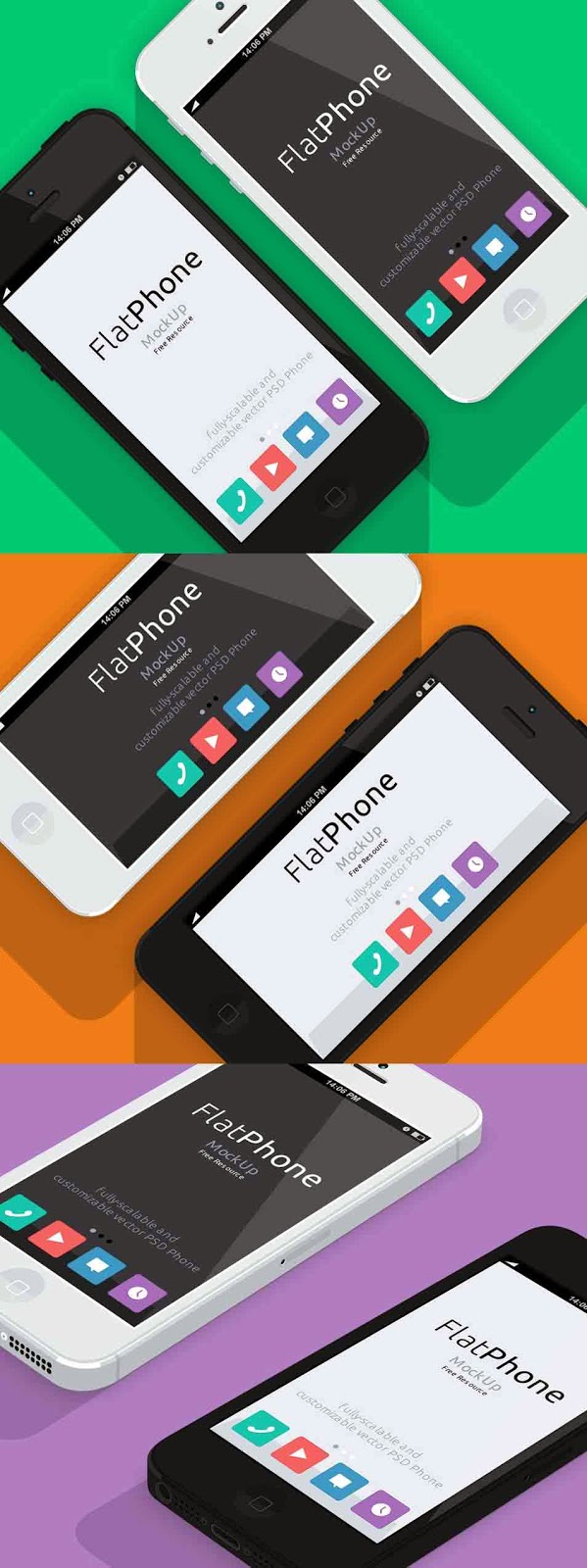
52- iPhone 5 Psd Flat Design Mockup
.jpg "iPhone 5 Psd Flat Design Mockup")
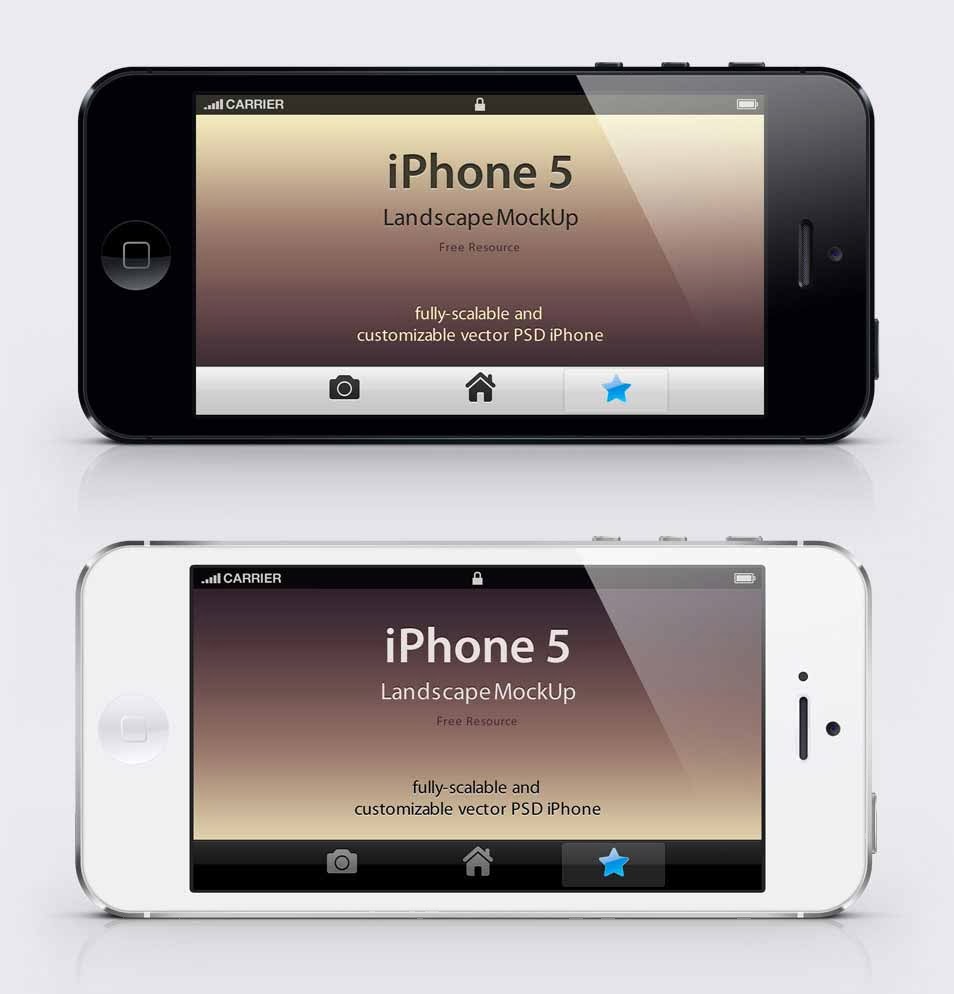
53- iPhone 5 Psd Landscape Mockup
.jpg "iPhone 5 Psd Landscape Mockup")
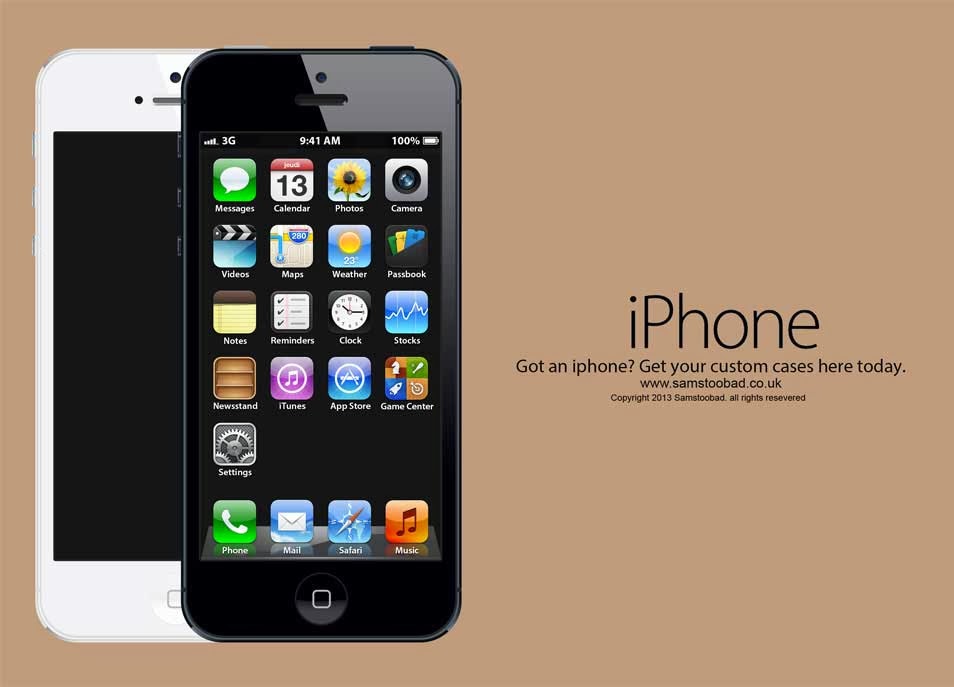
54- iphone 5 psd mockup
.jpg "iphone 5 psd mockup")
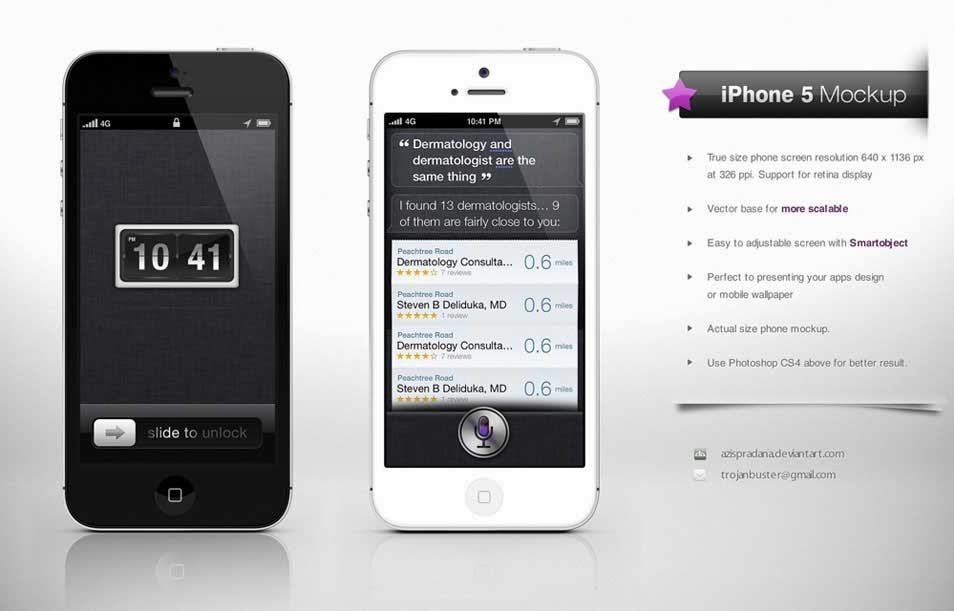
55- iPhone 5 Mock up Hi-Res
.jpg "iPhone 5 Mock up Hi-Res")
56- Free iPhone Mockup PSD White
.jpg "Free iPhone Mockup PSD White")
57- iPhone 5 Mockup PSD
.jpg "iPhone 5 Mockup PSD")
58- Minimal iPhone 5 PSD
.jpg "Minimal iPhone 5 PSD")
59- 3D View iPhone PSD Mockup
.jpg "3D View iPhone PSD Mockup")
60- iPhone 5 Mockup PSD
.jpg "iPhone 5 Mockup PSD")
61- IPHONE012
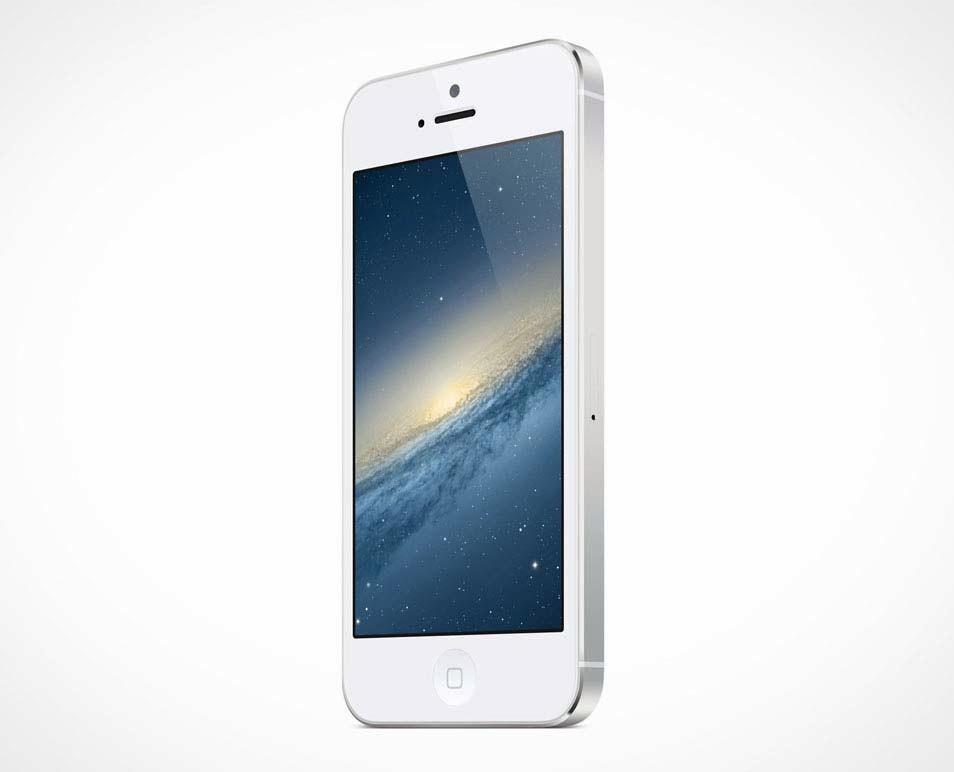.jpg "IPHONE012")
62- Black Iphone 5 Mockup Template (Psd)
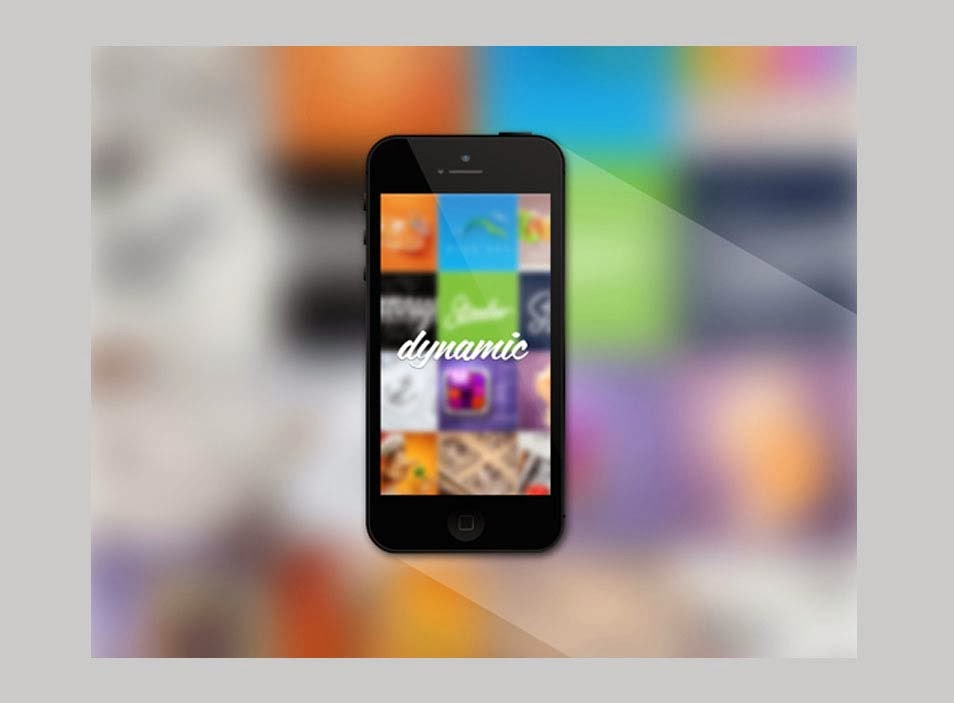.jpg "Black Iphone 5 Mockup Template (Psd)")
63- iPhone5 in hand mockup
.jpg "iPhone5 in hand mockup")
64- iPhone Mockups Sets
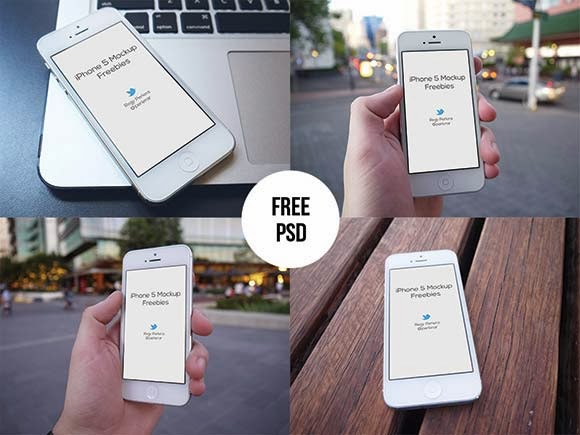.jpg "iPhone Mockups Sets")
65- Flat iPhone 4/5 mockups
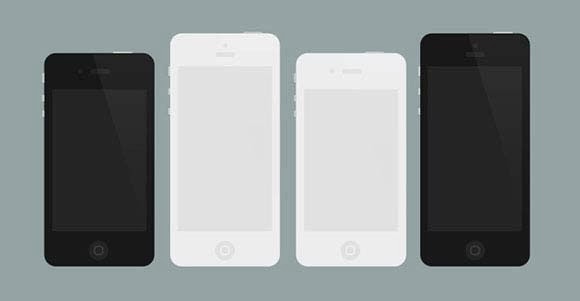.jpg "Flat iPhone 4/5 mockups")
66- iPhone flat 3D PSD mockups
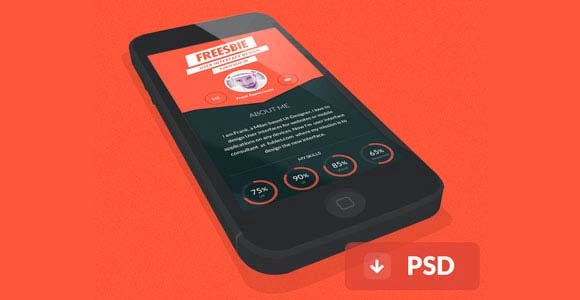.jpg "iPhone flat 3D PSD mockups")
67- Apple iPhone 5C
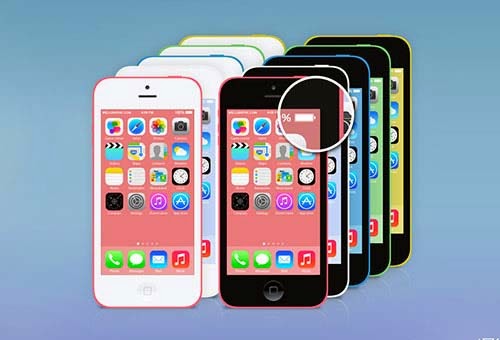.jpg "Apple iPhone 5C")
68-iPhone 5C Flat Design
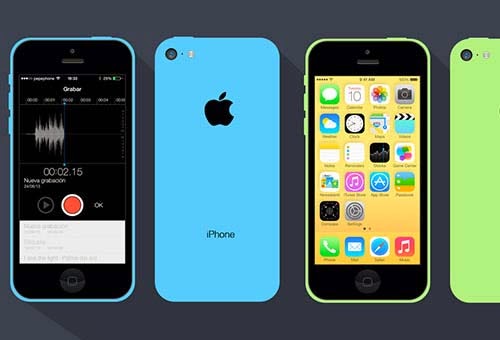.jpg "iPhone 5C Flat Design")
69- Apple iPhone 5 Vectorized Mockup
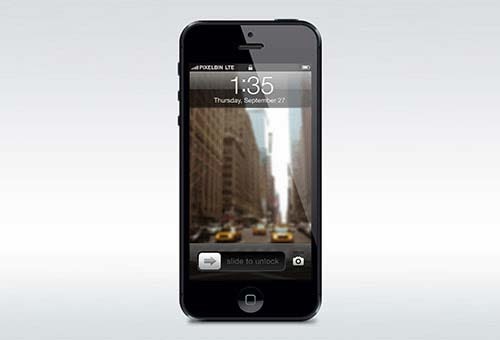.jpg "Apple iPhone 5 Vectorized Mockup")
70- iPhone 5
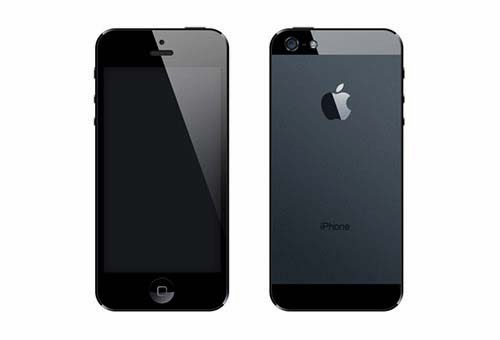.jpg "iPhone 5")
71- 11 iPhone Holding Hand Templates
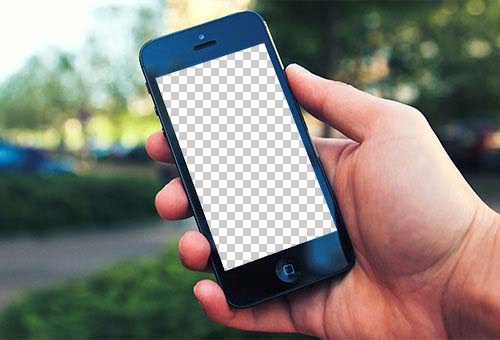.jpg "11 iPhone Holding Hand Templates")
Subscribe to:
Posts (Atom)